
Viola players
Learn the part from a real performance.
Pull the viola out of a recording. It is the middle voice of the strings and often the hardest one to hear.
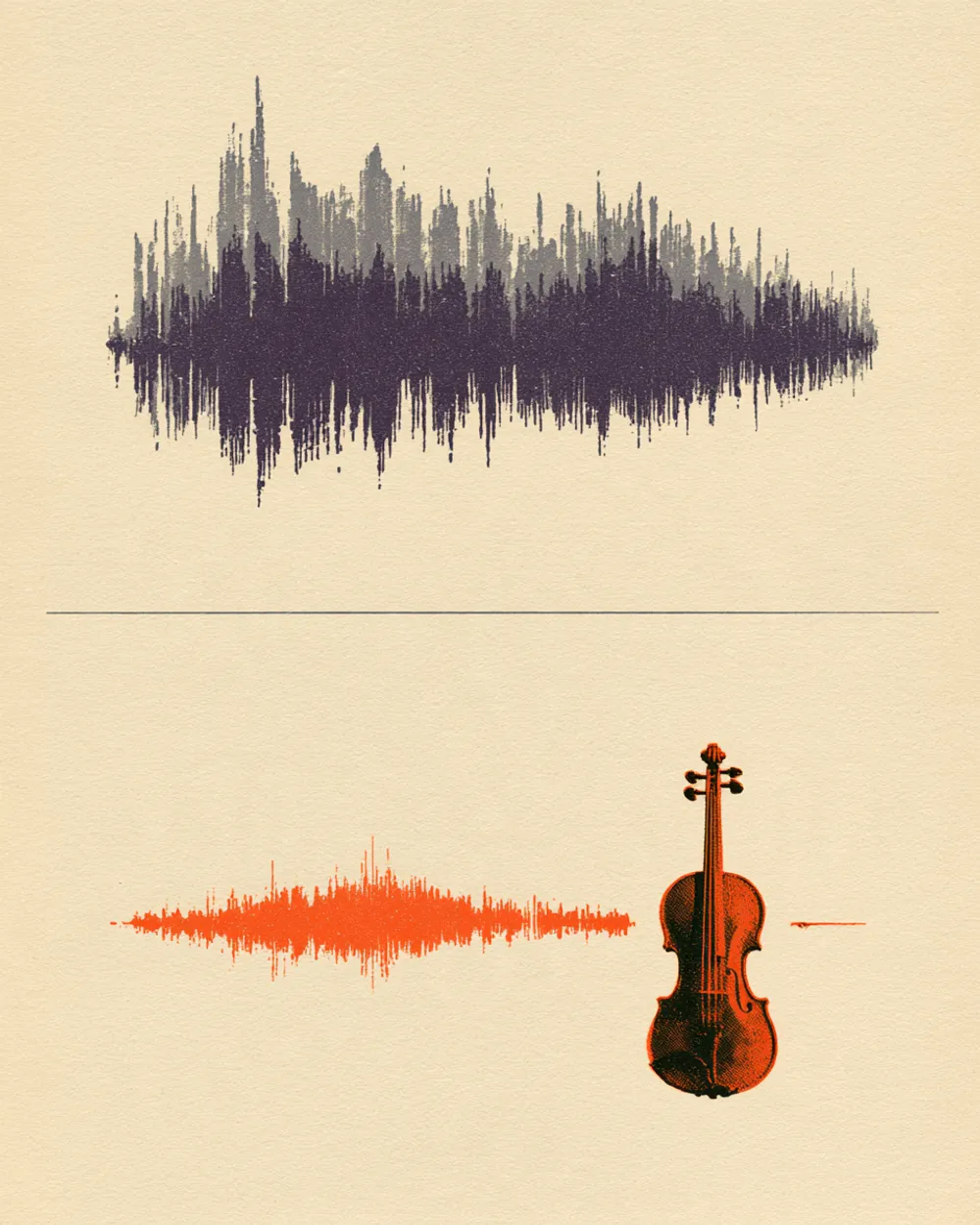
The viola sits between the violins and the cellos. On its own, you can hear the inner line that holds the harmony together.
Take the viola out and play it yourself against a real recording.
See how a composer or arranger uses the viola to fill out the chords.
The details, before you upload.
It takes three steps.
Drop an audio or video file (MP3, WAV, FLAC, M4A, MP4, MOV, WebM, MKV) or paste a public YouTube or TikTok link on this page.
The mode is already chosen for you. You can leave the page while it works.
Play each track in your browser, then download the ones you need.
Learn the part from a real performance.

Rehearse a quartet part with the other players on the recording.

Hear the inner voices of an arrangement.

Use or replace the viola line in a string arrangement.
Yes. When you sign up with Google, you get 10 free minutes to try the Viola Extractor on your own files. No credit card is needed. You can listen to every track in your browser.
It plays in the middle of the string section, between the violin and the cello. Pulling it out makes the line clear.
Upload the recording and start. The viola line comes out alone. The rest of the strings and the band stay on the other track.
Yes. The version without viola leaves the other strings and the band, so you can play the viola part yourself.
Use the String Isolator.
Audio files (MP3, WAV, FLAC, M4A), local video files (MP4, MOV, WebM, MKV—audio is extracted locally in your browser), or public YouTube and TikTok video links. Results download as MP3, WAV (32-bit float) or FLAC (24-bit).
Other ways to split audio.
Drop an audio or video file—or paste a YouTube or TikTok link—and hear each track.