Want to remove background noise from video clips without uploading multi-gigabyte footage? Drop any MP4, MOV, WebM or MKV file—your browser extracts the audio track locally, and AI video noise reduction strips hiss, hum and traffic while keeping voices natural.
or
How much to clean
No credit card required
10 free minutes on sign-up
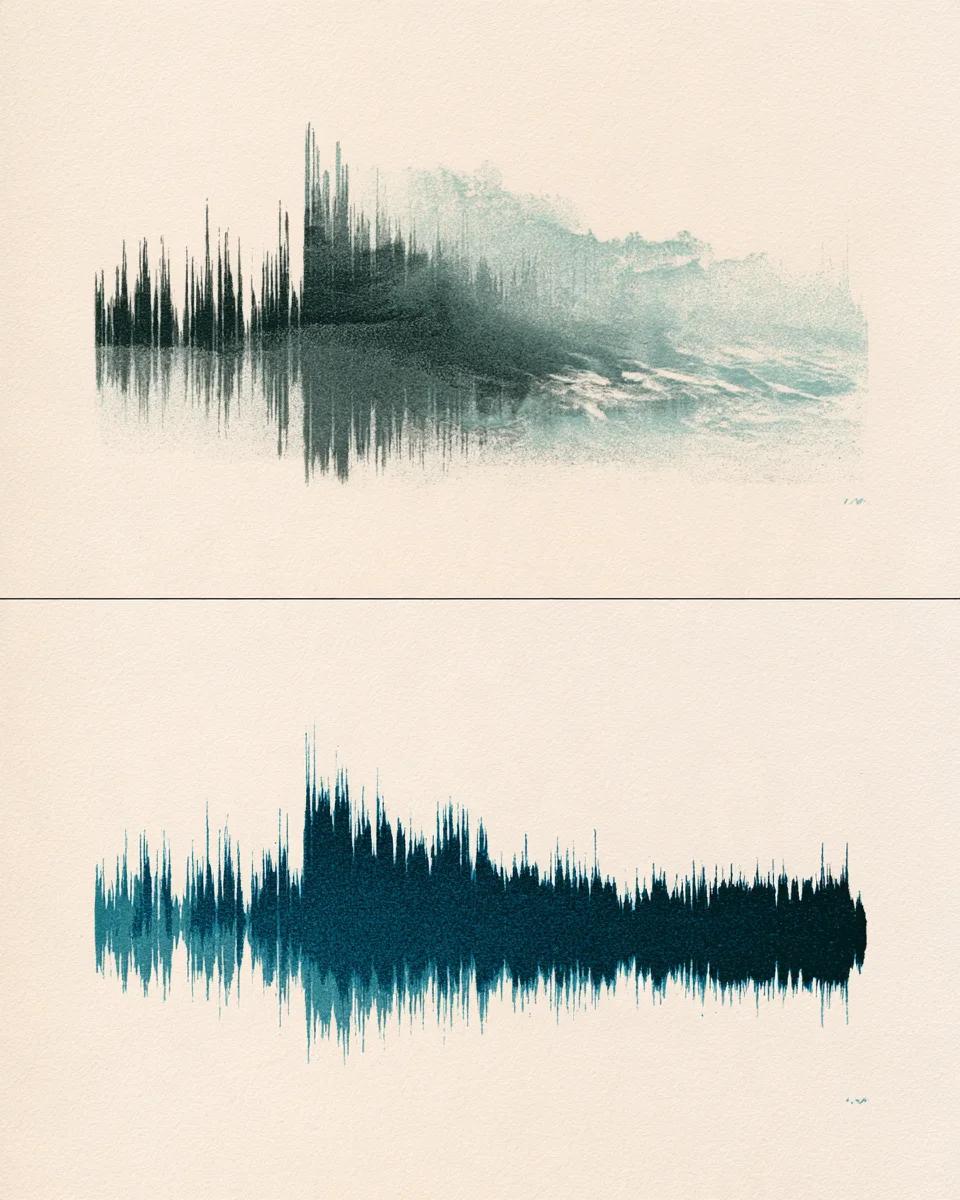
Before and after video noise reduction
Compare noisy camera mic audio against the cleaned track.
Strip constant room buzz, laptop fans and street rumble from camera audio
On-camera microphones pick up HVAC vents, computer fans and distant traffic alongside the speaker. Gentle mode lifts steady noise away without hollow, underwater artifacts.
Mode used: Gentle
No credit card required
10 free minutes on sign-up
Example: Noisy video audio vs cleaned dialogue
0:00 / 0:00
Fast, private video noise reduction
Clean video audio without waiting on cloud video transcoding.
Local browser audio extraction
Drop 4K MP4 or QuickTime MOV files straight from your camera card—video frames stay on your device while only the small audio stream uploads.
Gentle and Deep clean strength options
Use Gentle to remove hiss from video clips while preserving warm room tone, or switch to Deep clean for loud outdoor streets and machinery.
Timeline-ready 48 kHz WAV output
Download 32-bit float WAV, 24-bit FLAC or MP3 at the exact duration of your source clip for effortless drag-and-drop replacement.
Video noise remover specs
Supported video formats, modes and free allowance.
Free to try
10 free minutes when you sign up with Google. No credit card required.
Input
Audio (MP3, WAV, FLAC, M4A), local video (MP4, MOV, WebM, MKV—audio extracted in browser), or public YouTube & TikTok links up to 10 minutes / 100 MB.
Strengths
Gentle (natural tone) and Deep clean (heavy ambient noise).
Preview
A/B compare the full cleaned audio track in your browser.
Download
MP3 (up to 320 kbps), 32-bit float WAV or 24-bit FLAC.
Browser demux
Lossless AAC passthrough for MP4/MOV clips in milliseconds.
How to clean video audio online
From noisy footage to crisp sound in three steps.
01
Add audio, video or a link
Drop an audio or video file (MP3, WAV, FLAC, M4A, MP4, MOV, WebM, MKV) or paste a public YouTube or TikTok link on this page.
02
Select Gentle or Deep clean
Pick Gentle for indoor hiss and hum, or Deep clean for busy streets and outdoor locations.
03
Audition and replace audio
Download the clean WAV or MP3 track and drop it onto your video timeline in CapCut, Premiere or Final Cut.
Who cleans video audio here
Course & tutorial creators
Remove laptop fan noise and USB mic hiss from screen recordings and Loom videos.
Wedding & event filmmakers
Clean projector buzz, catering clatter and HVAC hum behind vows and toasts.
Social video editors
Polish noisy Reels, Shorts and TikTok drafts before publishing.
Corporate & Zoom archivists
Clean background chatter and air-conditioning from recorded webinars and town halls.
Remove background noise from video FAQ
Is it free to remove background noise from video?
Yes. Sign up with Google for 10 free minutes with no credit card required.
Does my whole video file get uploaded to your servers?
No. Your browser strips the audio stream locally on your computer or phone first, so raw video frames never leave your device.
Can I upload large 4K MOV or MP4 files from Sony, Canon or iPhone cameras?
Yes. Because local extraction pulls out only the compact audio track before upload, multi-hundred-megabyte 4K camera clips open in under a second.
How do I put the cleaned audio back into my video?
Import the downloaded WAV or MP3 into CapCut, Premiere Pro, Final Cut, DaVinci Resolve or iMovie, align it at 00:00:00, and mute the original camera audio track.
When should I pick Gentle vs Deep clean?
Start with Gentle for indoor mic hiss, AC hum and computer fans. Choose Deep clean when traffic, crowds or wind compete loudly with the speaker.
Will denoising make voices sound robotic or watery?
Our neural denoiser separates steady broadband and tonal noise without traditional spectral-gate chirping, preserving natural vocal warmth.
Does it work on OBS MKV and browser WebM screen recordings?
Yes. MP4, MOV, M4V, WebM and MKV containers are all extracted directly in your browser.
What length limits apply on a free account?
Extracted audio tracks up to 10 minutes and 100 MB are supported on a free account.