Free Instrumental Maker

Turn any song into a clean backing track with vocals removed and punchy drums, bass and guitars intact. Upload an audio file here, or use our free instrumental maker with public YouTube or TikTok links inside the workspace.

Separation mode
  • No credit card required
  • 10 free minutes on sign-up

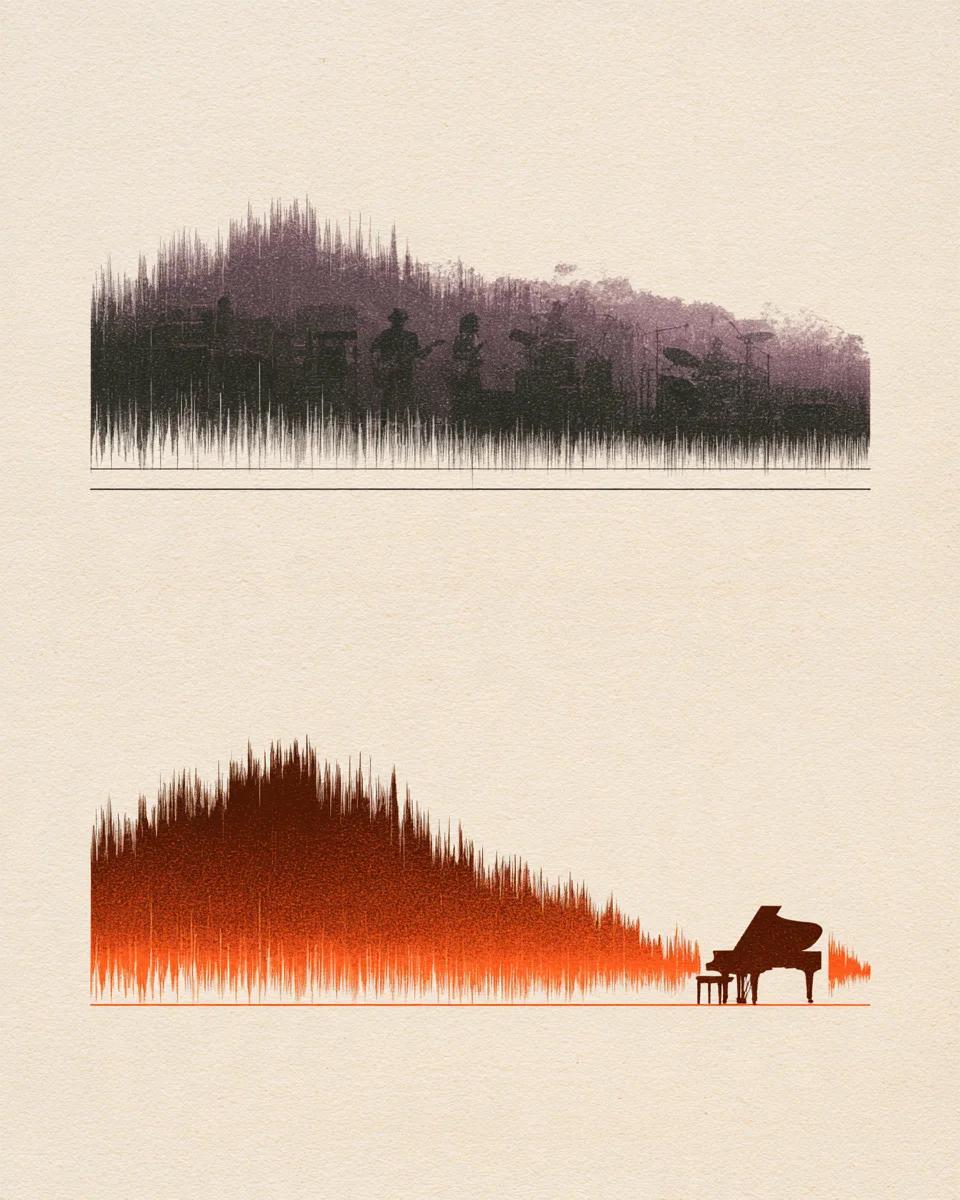
Listen to song to instrumental separation

Switch between the full mix and the clean instrumental track.

Turn any song into a crisp backing track

Phase cancellation leaves hollow cymbals and muffled center vocals. This song to instrumental workflow isolates the lead voice cleanly so drums, bass and guitars keep full stereo punch.

Mode used: Vocals & Instrumental

  • No credit card required
  • 10 free minutes on sign-up

Example: full song vs instrumental track

0:00 / 0:00

Why use this instrumental maker

Clean backing music ready for practice, covers and live sets.

  • Keeps drums and bass punchy

    Unlike simple phase tricks that thin out kick drums and guitars, this backing track maker preserves low-end weight and stereo width.

  • Optional harmony preservation

    Remove every voice cleanly, or switch to Karaoke mode inside the workspace when you want backing harmonies kept behind your lead.

  • Local files, YouTube & TikTok links

    Drop MP3, WAV, FLAC or M4A directly on this page, or paste public YouTube and TikTok links inside the studio workspace.

Instrumental maker specs

Accepted inputs, stem modes and export quality.

Free to try
10 free minutes when you sign up with Google. No credit card required.
Input
Audio (MP3, WAV, FLAC, M4A), local video (MP4, MOV, WebM, MKV—audio extracted in browser), or public YouTube & TikTok links up to 10 minutes / 100 MB.
Modes
Vocals & Instrumental, Karaoke (keeps backing vocals) or 6 Stems.
Preview
Audition the full song and extracted instrumental in full right in your browser.
Download
MP3 (up to 320 kbps), WAV (32-bit float, 44.1 / 48 kHz) or FLAC (24-bit).
Install
Runs in Chrome, Safari, Edge and Firefox on Mac, Windows and mobile.

How to turn a song into an instrumental

Three steps from full mix to backing track.

  1. 01

    Add audio, video or a link

    Drop an audio or video file (MP3, WAV, FLAC, M4A, MP4, MOV, WebM, MKV) or paste a public YouTube or TikTok link on this page.

  2. 02

    Pick your split mode

    Use Vocals & Instrumental for a clean instrumental, Karaoke to keep harmonies, or 6 Stems to mute individual parts.

  3. 03

    Preview and export

    Listen to the backing track in full and download MP3, 32-bit float WAV or 24-bit FLAC.

Who uses the instrumental maker

Beatmakers & remixers

Pull clean chord loops, drums and melodies without vocal bleed.

Live & cover singers

Build reliable backing tracks matched to the original arrangement and tempo.

Instrumentalists

Play along with drums and bass by muting your own guitar or keys in 6 Stems.

Video & reel editors

Turn vocal songs into background scores that sit cleanly under dialogue.

Instrumental maker FAQ

Is this free instrumental maker really free to start?

Yes. Sign in with Google to get 10 free minutes with no credit card required.

Can I make an instrumental from a YouTube or TikTok link?

Yes. Open the workspace from this page and paste any public YouTube or TikTok link alongside local MP3, WAV, FLAC or M4A uploads.

Why do drums and bass sound thin in older vocal removers?

Legacy tools invert the center channel, which cancels kick drums, bass and mono synths. Spectral separation isolates only the singing voice so the rhythm stays full.

Can I keep backing harmonies while removing the lead singer?

Yes. Switch the picker to Karaoke mode to remove only the lead vocal while keeping chorus harmonies intact.

Does creating an instrumental change song tempo or musical key?

No. Pitch, BPM and timing stay identical to your source track so covers and remixes stay in sync.

How do I mute just piano or guitar in my backing track?

Select 6 Stems in the picker to export drums, bass, piano, guitar and vocals separately and mute any part in your DAW.

What audio formats can I download?

Export uncompressed 32-bit float WAV, 24-bit FLAC or high-bitrate MP3 ready for Logic, Ableton, CapCut or Premiere.

What file length and size are supported?

Upload songs up to 10 minutes or 100 MB directly in any desktop or phone browser.

Turn your track into an instrumental

Upload a song and hear the clean backing mix in seconds.

  • No credit card required
  • 10 free minutes on sign-up