Free Adobe Podcast Alternative

Tired of generative voice filters rewriting words or turning natural voices synthetic and boxy? This Adobe Podcast audio enhancer alternative removes echo, hum and hiss while preserving your real voice—plus supports public YouTube and TikTok links.

How strong
  • No credit card required
  • 10 free minutes on sign-up

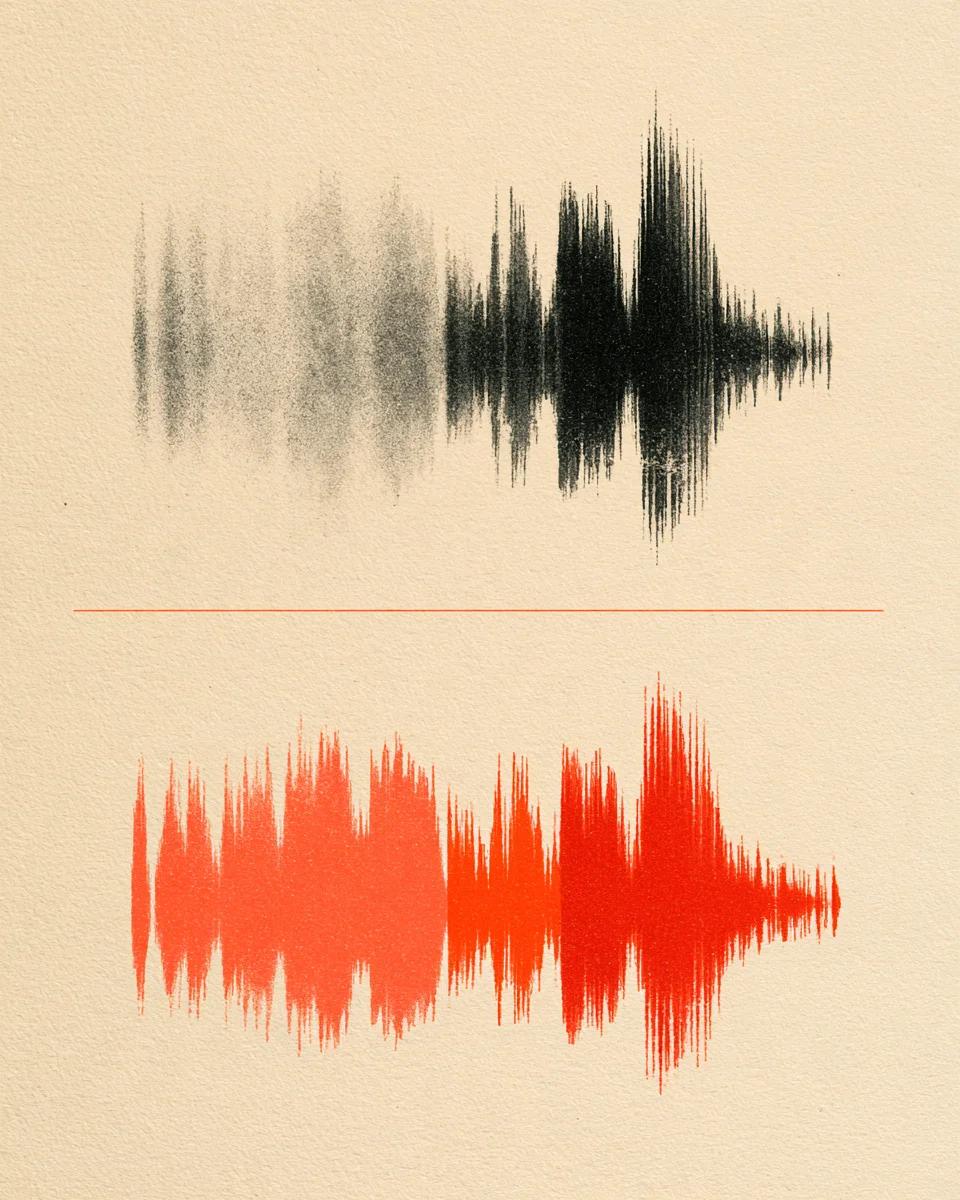
Hear natural enhancement without synthetic artifacts

Toggle between noisy original speech and warm restored clarity.

Keep your real voice instead of synthesized AI syllables

Generative enhancers can mispronounce names, accents and emotional inflection. Gentle restoration lifts room echo and noise while staying true to the speaker.

Mode used: Gentle

  • No credit card required
  • 10 free minutes on sign-up

Example: noisy speech vs natural enhanced voice

0:00 / 0:00

Why creators switch to this Adobe Podcast enhancer alternative

No fake robotic timbre, full 32-bit WAV output and YouTube/TikTok links.

  • Never changes your accent or misreads words

    Cleans acoustic noise, hiss and echo cleanly instead of hallucinating synthetic consonant sounds.

  • Gentle vs Strong control slider-free

    Use Gentle to protect subtle emotion and warm breath; switch to Strong for tough outdoor clips.

  • Export 32-bit float WAV plus YouTube & TikTok

    Get uncompressed WAVs for podcasts and videos, or clean published clips from YouTube and TikTok.

Adobe Podcast alternative specs

Formats, quality modes and free trial limits.

Free to try
10 free minutes when you sign up with Google. No credit card required.
Input
Audio (MP3, WAV, FLAC, M4A), local video (MP4, MOV, WebM, MKV—audio extracted in browser), or public YouTube & TikTok links up to 10 minutes / 100 MB.
Options
Gentle (natural studio warmth) or Strong (heavy room echo and street noise).
Preview
Listen across the full cleaned dialogue in your browser before exporting.
Download
32-bit float WAV (44.1 / 48 kHz), 24-bit FLAC or MP3 (up to 320 kbps).
Install
Works cleanly in Chrome, Safari, Edge and Firefox on desktop or phone.

How to enhance podcast voice naturally

Three steps to broadcast clarity without AI voice cloning.

  1. 01

    Add audio, video or a link

    Drop an audio or video file (MP3, WAV, FLAC, M4A, MP4, MOV, WebM, MKV) or paste a public YouTube or TikTok link on this page.

  2. 02

    Pick Gentle or Strong

    Start with Gentle for natural timbre; use Strong when loud traffic or reverb interferes.

  3. 03

    Audition and download

    Verify your real voice sounds natural and download 32-bit float WAV, FLAC or MP3.

Who prefers this natural voice enhancer

Podcast hosts & guests

Keep signature vocal character and laughter realistic instead of robotic.

Multilingual speakers

Never worry about English-tuned filters slurring foreign names or accents.

Audio & video editors

Export uncompressed 32-bit float WAV and 24-bit FLAC ready for mastering.

Founders & educators

Get a clean voice recording fast from noisy phone memos and lesson audio before publishing.

Adobe Podcast enhancer alternative FAQ

Is this Adobe Podcast alternative free to try?

Yes. Sign up with Google to get 10 free minutes with no credit card needed.

Why can some speech filters make voices sound robotic?

Pure resynthesis filters rebuild speech syllables from scratch, which can slur names or change accents. Our enhancement preserves the original vocal performance.

Does it fix hollow room echo as well as background noise?

Yes. Both Gentle and Strong remove room echo, air-con hum and mic hiss in one run.

Can I clean podcast clips from YouTube or TikTok?

Yes. Open the workspace and paste any public YouTube or TikTok URL directly.

Does it export uncompressed WAV files instead of MP3 only?

Yes. Export 32-bit float WAV (44.1 / 48 kHz), 24-bit FLAC or MP3 up to 320 kbps.

When should I use Gentle instead of Strong?

Use Gentle for everyday home-office mics; pick Strong for loud outdoor streets or distorted calls.

Does it work on music backing tracks behind speech?

This tool is tuned for spoken voices. If you need music separated from voice first, run Stem Splitter.

What are the free file limits?

Free accounts handle audio up to 10 minutes or 100 MB.

Enhance podcasts while sounding like you

Upload a track and hear crisp, natural dialogue clarity in seconds.

  • No credit card required
  • 10 free minutes on sign-up