Free AI Voice Enhancer

Remove background noise and echo from a voice recording, so the voice is easy to hear. Use it for podcasts, interviews, calls and voice memos.

How strong
  • No credit card required
  • 10 free minutes on sign-up

Listen to the AI voice enhancer

Play an example and switch between Before and After to hear the change.

Clean up a noisy voice recording

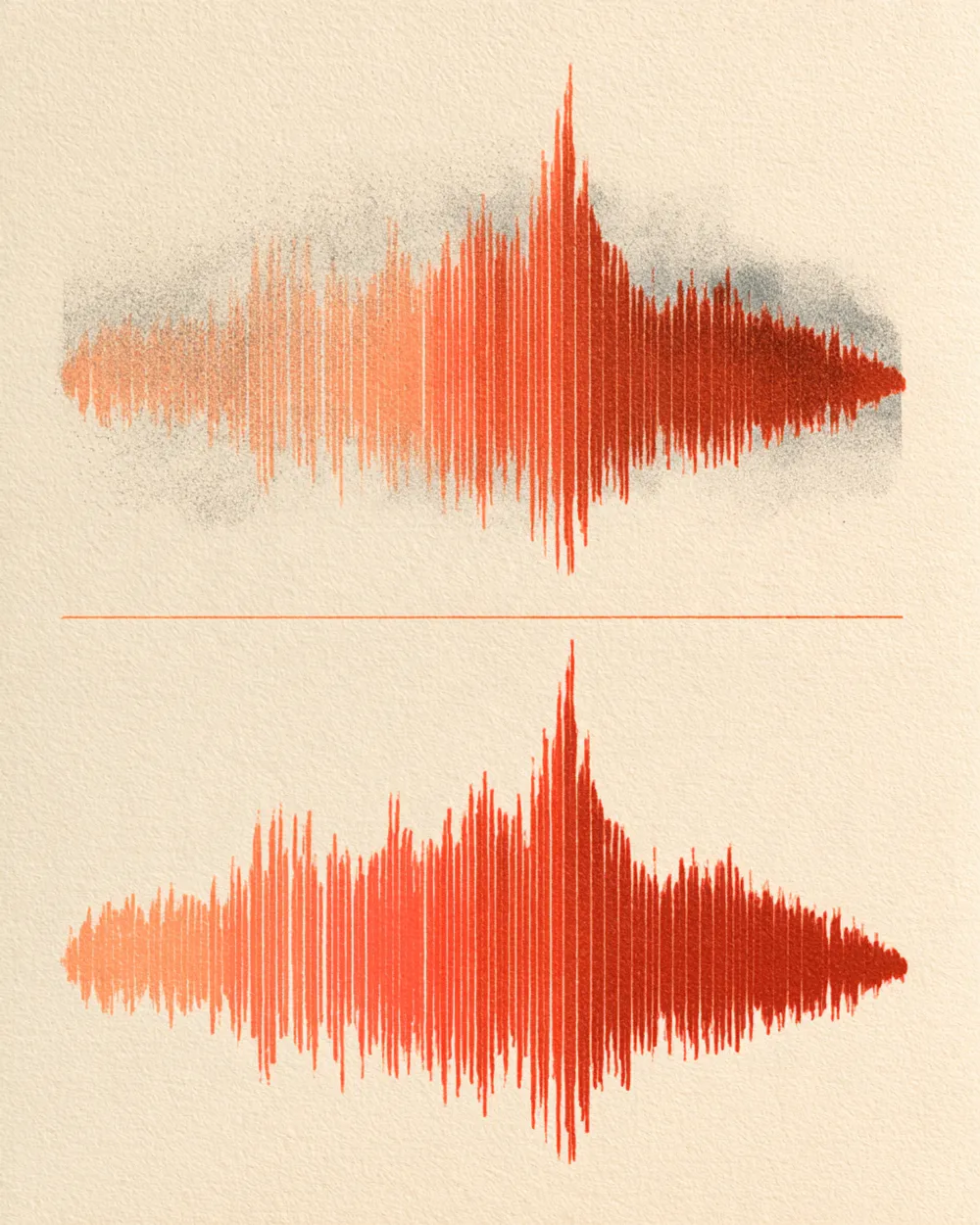
This voice note was recorded on a phone in a noisy room with echo. After cleaning, the noise and echo are gone and the voice is easy to hear.

Mode used: Gentle

  • No credit card required
  • 10 free minutes on sign-up

Example: noisy phone recording

0:00 / 0:00

Why use this AI voice enhancer

It makes voices clear without any audio skills.

  • Removes noise and echo together

    Hum, hiss, traffic and room echo are cleaned in one step.

  • Two strengths

    Gentle keeps the voice natural. Strong works harder on very noisy recordings.

  • Download in high quality

    Save the result as an MP3, WAV (32-bit float) or FLAC (24-bit) file.

What you get

The details, before you upload.

Free to try
10 free minutes when you sign up with Google. No credit card required.
Upload
Audio (MP3, WAV, FLAC, M4A), local video (MP4, MOV, WebM, MKV—audio extracted in browser), or public YouTube & TikTok links up to 10 minutes.
Options
Gentle or strong cleaning.
Listen
Play every result in full in your browser.
Download
MP3, WAV (32-bit float) or FLAC (24-bit).
Install
Nothing to install. It works in any browser, on a computer or a phone.

How to enhance a voice recording

It takes three steps.

  1. 01

    Add audio, video or a link

    Drop an audio or video file (MP3, WAV, FLAC, M4A, MP4, MOV, WebM, MKV) or paste a public YouTube or TikTok link on this page.

  2. 02

    Choose gentle or strong

    Gentle works for most recordings.

  3. 03

    Listen and download

    Play the result in your browser, then download it.

Who uses an AI voice enhancer

Podcasters

Clean up guest audio from calls.

Journalists

Make interviews easier to understand.

Teachers and students

Clean up recorded lessons.

Video makers

Clean up voice recorded on a phone.

AI voice enhancer FAQ

Is this AI voice enhancer free?

Yes. When you sign up with Google, you get 10 free minutes to try the AI voice enhancer on your own files. No credit card is needed. You can listen to every result in your browser.

How do I clean up a voice recording?

Upload the recording and keep Gentle selected. The AI voice enhancer removes noise and echo and keeps the voice. Then listen and download.

Should I choose Gentle or Strong?

Start with Gentle. It keeps the voice natural. If the recording is very noisy, try Strong.

Can I use it for podcast audio?

Yes. It works well on podcast audio, interviews and remote calls.

Does it work on music?

For songs, use the AI Music Enhancer. The voice enhancer is made for speech.

Which files or links can I use?

Audio files (MP3, WAV, FLAC, M4A), local video files (MP4, MOV, WebM, MKV—audio is extracted locally in your browser), or public YouTube and TikTok video links. Results download as MP3, WAV (32-bit float) or FLAC (24-bit).

Try it on your own recording

Upload a voice recording and hear the difference.

  • No credit card required
  • 10 free minutes on sign-up