Free Video Audio Enhancer

Recorded great footage with distant, echoey or noisy camera sound? Drop your MP4, MOV, WebM or MKV clip into this video audio enhancer—your browser extracts the sound locally, then AI speech restoration removes room echo and hiss while rebuilding clear vocal presence.

How strong
  • No credit card required
  • 10 free minutes on sign-up

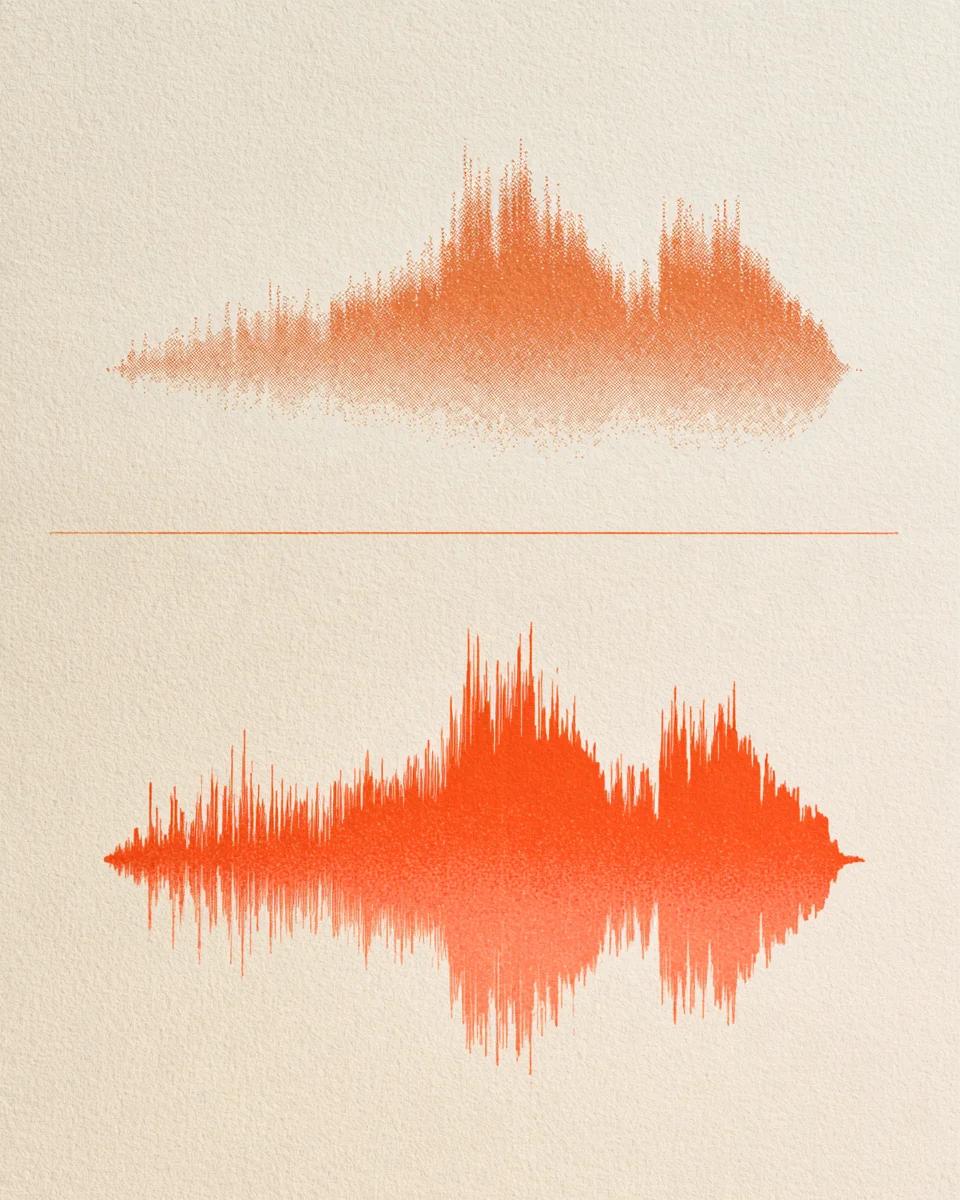
Hear noisy camera dialogue restored

Listen to distant, room-heavy speech before and after enhancement.

Turn distant on-camera mic audio into close, clear speech

Built-in camera and laptop mics sit feet away from the speaker, capturing boxy room reflections and hiss. Voice restoration tightens reflections and restores crisp articulation.

Mode used: Gentle

  • No credit card required
  • 10 free minutes on sign-up

Example: Raw camera speech vs enhanced audio

0:00 / 0:00

Improve video sound quality without heavy NLE plugins

One pass fixes noise, room echo and thin microphone tone.

  • Instant client-side audio extraction

    No waiting on 4K video uploads. Your browser demuxes MP4 and MOV audio locally in milliseconds so enhancement starts right away.

  • Fixes hiss, echo and muffled tone together

    Instead of chaining EQ, compressor and de-reverb plugins, enhance video audio in one pass with Gentle or Deep clean restoration.

  • Ready for Premiere, Final Cut, CapCut & DaVinci

    Export 32-bit float WAV, 24-bit FLAC or 320 kbps MP3 that drops straight onto your video timeline in exact lip-sync.

Video audio enhancer specs

Containers, restoration modes and free minutes.

Free to try
10 free minutes when you sign up with Google. No credit card required.
Input
Audio (MP3, WAV, FLAC, M4A), local video (MP4, MOV, WebM, MKV—audio extracted in browser), or public YouTube & TikTok links up to 10 minutes / 100 MB.
Modes
Gentle (balanced natural speech) and Deep clean (heavy echo, distortion or noise).
Preview
Toggle before and after across your full clip in the browser.
Download
MP3 (up to 320 kbps), 32-bit float WAV or 24-bit FLAC.
Privacy
Video frames never leave your browser; only extracted audio is processed.

How to enhance video audio online

Rescue muffled video sound in three steps.

  1. 01

    Add audio, video or a link

    Drop an audio or video file (MP3, WAV, FLAC, M4A, MP4, MOV, WebM, MKV) or paste a public YouTube or TikTok link on this page.

  2. 02

    Choose Gentle or Deep clean

    Pick Gentle for everyday vlogs and tutorials, or Deep clean to fix muffled video audio in echoey rooms.

  3. 03

    Preview and drop into your edit

    Download the restored WAV or MP3 track and align it with your original video clip.

Who uses this video audio enhancer

YouTubers & solo creators

Make talking-head videos recorded in untreated bedrooms sound close and balanced.

Online educators & coaches

Clarify screen-recorded lessons and webcam lectures filmed without an external mic.

Interview & podcast videographers

Match audio clarity across two-camera shoots when a wireless lav mic fails.

Founders & product marketers

Polish Loom demos, launch videos and customer testimonials in minutes.

Video audio enhancer FAQ

Is this video audio enhancer free to try?

Yes. Sign in with Google for 10 free minutes with no credit card required.

Do I need to convert MP4 or MOV to MP3 before uploading?

No. Drop your MP4, MOV, WebM or MKV file directly—your browser extracts the audio stream locally on your device.

Can it fix both background noise and hollow room echo at once?

Yes. Speech restoration removes steady background hiss and dampens boxy room reverb while restoring natural vocal clarity.

Will it alter my voice or sound artificial?

Gentle mode preserves your natural vocal timbre and cadence without synthetic voice cloning; Deep clean tackles severely muffled or clipped recordings.

How do I replace the audio in my video file?

Download the enhanced WAV or MP3, place it at 00:00:00 in CapCut, iMovie, Premiere Pro, Final Cut or DaVinci Resolve, and mute the original camera track.

Does it work on 4K 60fps videos that are hundreds of megabytes?

Yes. Because video frames stay in your browser and are never uploaded, a 600 MB 4K clip turns into a small audio track in milliseconds.

What if my video has loud background music instead of room noise?

Use our Remove Background Music from Video tool with Speech, Music & Effects mode to separate music from spoken dialogue.

What are the duration and size limits?

Extracted audio tracks up to 10 minutes and 100 MB are supported on a free account.

Make your video sound as sharp as it looks

Drop an MP4, MOV or WebM clip—your browser extracts the audio locally right away.

  • No credit card required
  • 10 free minutes on sign-up