Free AI Dereverb

Remove reverb and room echo from a song or a vocal, so it sounds close and clear.

  • No credit card required
  • 10 free minutes on sign-up

Listen to the AI dereverb

Play an example and switch between Before and After to hear the change.

Remove reverb from a song

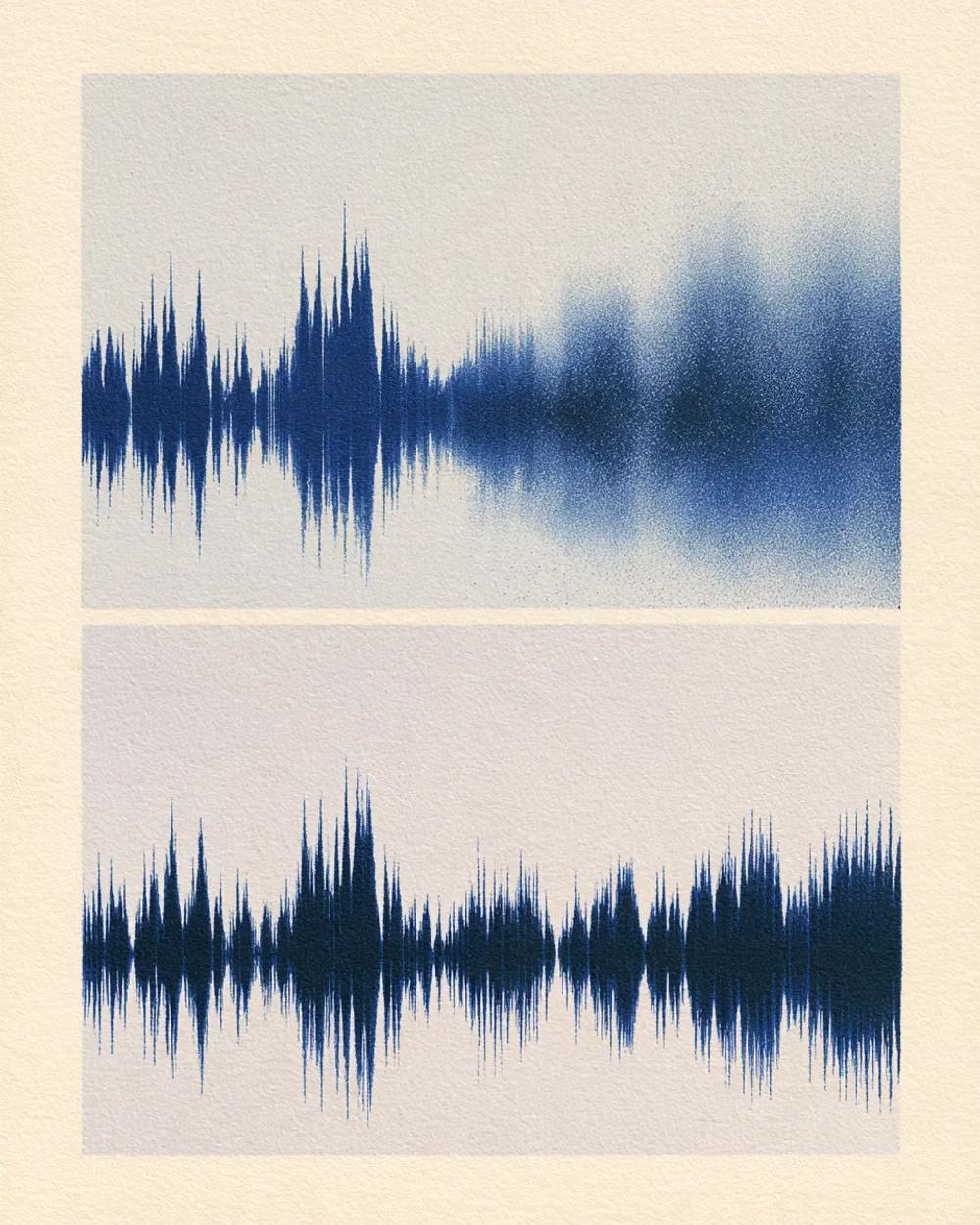
This song has a lot of reverb, so the voice sounds far away and washed out. The AI dereverb takes the reverb out, and the voice sounds close and clear.

Mode used: Full song

  • No credit card required
  • 10 free minutes on sign-up

Example: song with heavy reverb

0:00 / 0:00

Why use this AI dereverb

This reverb remover works without any audio skills.

  • Full song or just the vocals

    Remove reverb from the whole track, or get a dry vocal on its own.

  • Fix echoey rooms

    Recordings made in a bathroom, hall or empty room sound closer and clearer.

  • Download in high quality

    Save the result as an MP3, WAV (32-bit float) or FLAC (24-bit) file.

What you get

The details, before you upload.

Free to try
10 free minutes when you sign up with Google. No credit card required.
Upload
Audio (MP3, WAV, FLAC, M4A), local video (MP4, MOV, WebM, MKV—audio extracted in browser), or public YouTube & TikTok links up to 10 minutes.
Options
Full song or vocals only.
Listen
Play every result in full in your browser.
Download
MP3, WAV (32-bit float) or FLAC (24-bit).
Install
Nothing to install. It works in any browser, on a computer or a phone.

How to remove reverb

It takes three steps.

  1. 01

    Add audio, video or a link

    Drop an audio or video file (MP3, WAV, FLAC, M4A, MP4, MOV, WebM, MKV) or paste a public YouTube or TikTok link on this page.

  2. 02

    Choose full song or vocals only

    Full song keeps the music. Vocals only gives you a dry vocal.

  3. 03

    Listen and download

    Play the result in your browser, then download it.

Who uses AI dereverb

Vocalists

Remove room echo from home recordings.

Mix engineers

Get a drier vocal to mix with.

Podcasters

Fix episodes recorded in echoey rooms.

Remixers

Get a dry vocal from a finished song.

AI dereverb FAQ

Is this AI dereverb tool free?

Yes. When you sign up with Google, you get 10 free minutes to try the AI dereverb tool on your own files. No credit card is needed. You can listen to every result in your browser.

How do I remove reverb from a song?

Upload the song and keep Full song selected. The AI dereverb removes the reverb and keeps the music. Then listen and download.

How do I remove echo from audio?

Upload the file. AI dereverb removes room echo from voices and songs.

What is the difference between Full song and Vocals only?

Full song gives you the whole track with less reverb. Vocals only gives you just the vocal, dry.

Is it different from the Acapella Extractor?

Yes. AI dereverb removes reverb and echo. The Acapella Extractor gives you only the lead vocal from a song.

Which files or links can I use?

Audio files (MP3, WAV, FLAC, M4A), local video files (MP4, MOV, WebM, MKV—audio is extracted locally in your browser), or public YouTube and TikTok video links. Results download as MP3, WAV (32-bit float) or FLAC (24-bit).

Remove reverb from your file

Upload a song or a vocal and hear the difference.

  • No credit card required
  • 10 free minutes on sign-up