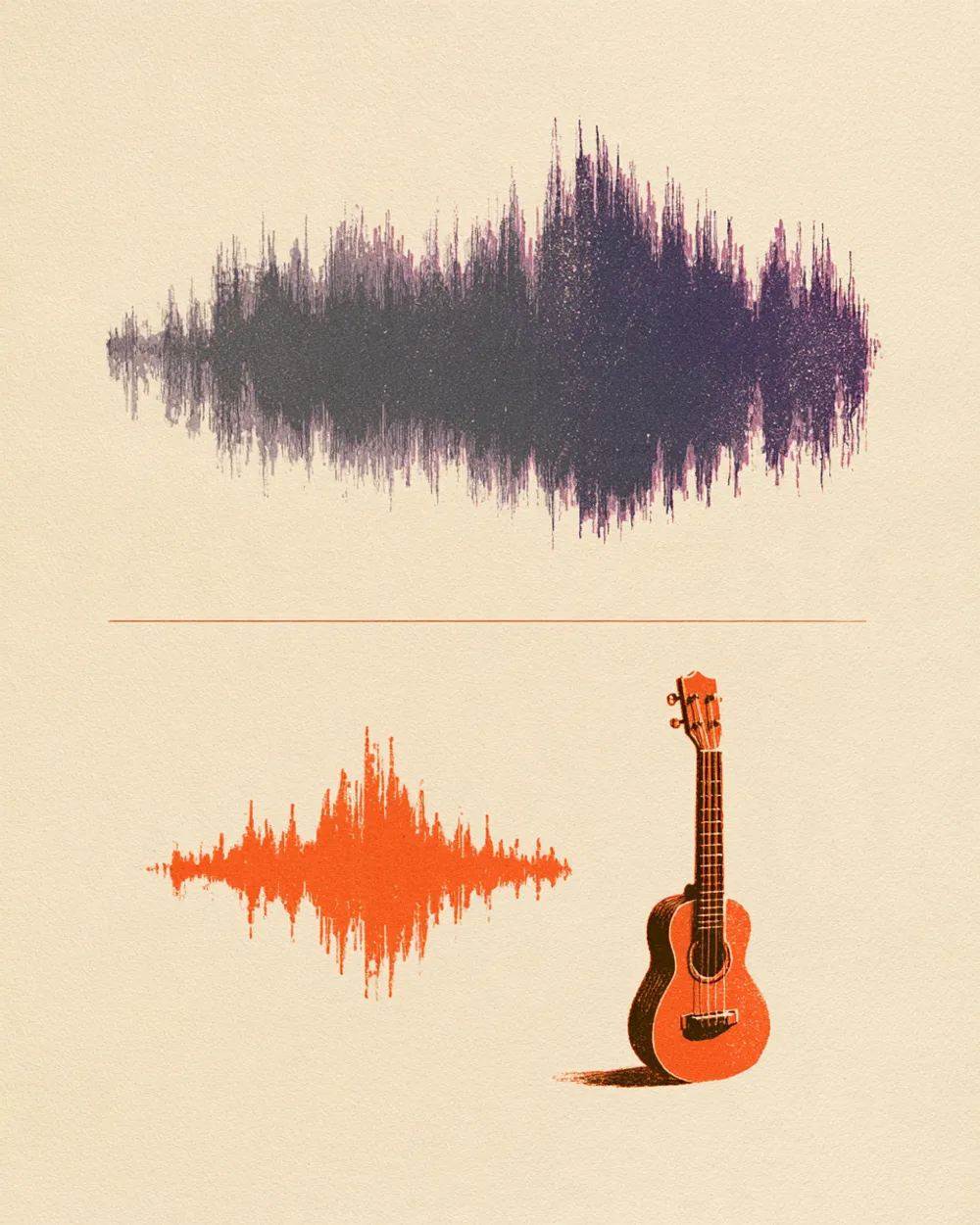
Free Ukulele Extractor

Pull the ukulele out of a song. Hear the strumming and chord shapes on their own, or take it out and play along.

Separation mode
  • No credit card required
  • 10 free minutes on sign-up

Listen to the Ukulele Extractor

Play the example and switch between the full song and each part.

Strum along with the real song

Many ukulele songs hide the instrument under vocals and guitar. Pull it out and you can hear the strum and the chord changes, then play along with the band as a backing track.

  • No credit card required
  • 10 free minutes on sign-up

Example: ukulele split from a full song

0:00 / 0:00

Why use the Ukulele Extractor

  • The strumming pattern, clear

    With no vocals in the way, the up and down strokes are easy to hear.

  • Chord changes in the open

    Each chord change is easy to catch, so you can write out the chart.

  • A backing track for you

    The other track is the song without the ukulele.

What you get

The details, before you upload.

Free to try
10 free minutes when you sign up with Google. No credit card required.
Upload
Audio (MP3, WAV, FLAC, M4A), local video (MP4, MOV, WebM, MKV—audio extracted in browser), or public YouTube & TikTok links up to 10 minutes.
You get
Two tracks: the ukulele on its own, and the rest of the song without the ukulele.
Listen
Play, solo and mute each track in your browser.
Download
MP3, WAV (32-bit float) or FLAC (24-bit).
Install
Nothing to install. It works in any browser, on a computer or a phone.

How to use the Ukulele Extractor

It takes three steps.

  1. 01

    Add audio, video or a link

    Drop an audio or video file (MP3, WAV, FLAC, M4A, MP4, MOV, WebM, MKV) or paste a public YouTube or TikTok link on this page.

  2. 02

    Start

    The mode is already chosen for you. You can leave the page while it works.

  3. 03

    Listen and download

    Play each track in your browser, then download the ones you need.

Who uses the Ukulele Extractor

Ukulele players

Learn songs from the original recording, not a lookalike.

Teachers and clubs

Make a backing track for a group lesson.

Singer-songwriters

Study the ukulele part of a song you want to cover.

Video creators

Use a light ukulele loop under a scene.

Ukulele Extractor FAQ

Is the Ukulele Extractor free?

Yes. When you sign up with Google, you get 10 free minutes to try the Ukulele Extractor on your own files. No credit card is needed. You can listen to every track in your browser.

How do I isolate the ukulele?

Upload the song and start. The ukulele comes out alone, so the strum is easy to hear. Everything else is on the second track.

Can I remove the ukulele from a song?

Yes. The track without the ukulele is the song with space for your own ukulele.

Is it the same as the guitar mode?

No. The Guitar Extractor targets guitars. This mode targets the ukulele.

Does it work on a baritone ukulele?

It works on ukuleles in general.

Which files or links can I use?

Audio files (MP3, WAV, FLAC, M4A), local video files (MP4, MOV, WebM, MKV—audio is extracted locally in your browser), or public YouTube and TikTok video links. Results download as MP3, WAV (32-bit float) or FLAC (24-bit).

Try the Ukulele Extractor on your own audio

Drop an audio or video file—or paste a YouTube or TikTok link—and hear each track.

  • No credit card required
  • 10 free minutes on sign-up