
Sitar students
Study a master's playing one note at a time.
Pull the sitar out of a recording. Hear its buzzing strings and long, bending notes on their own.
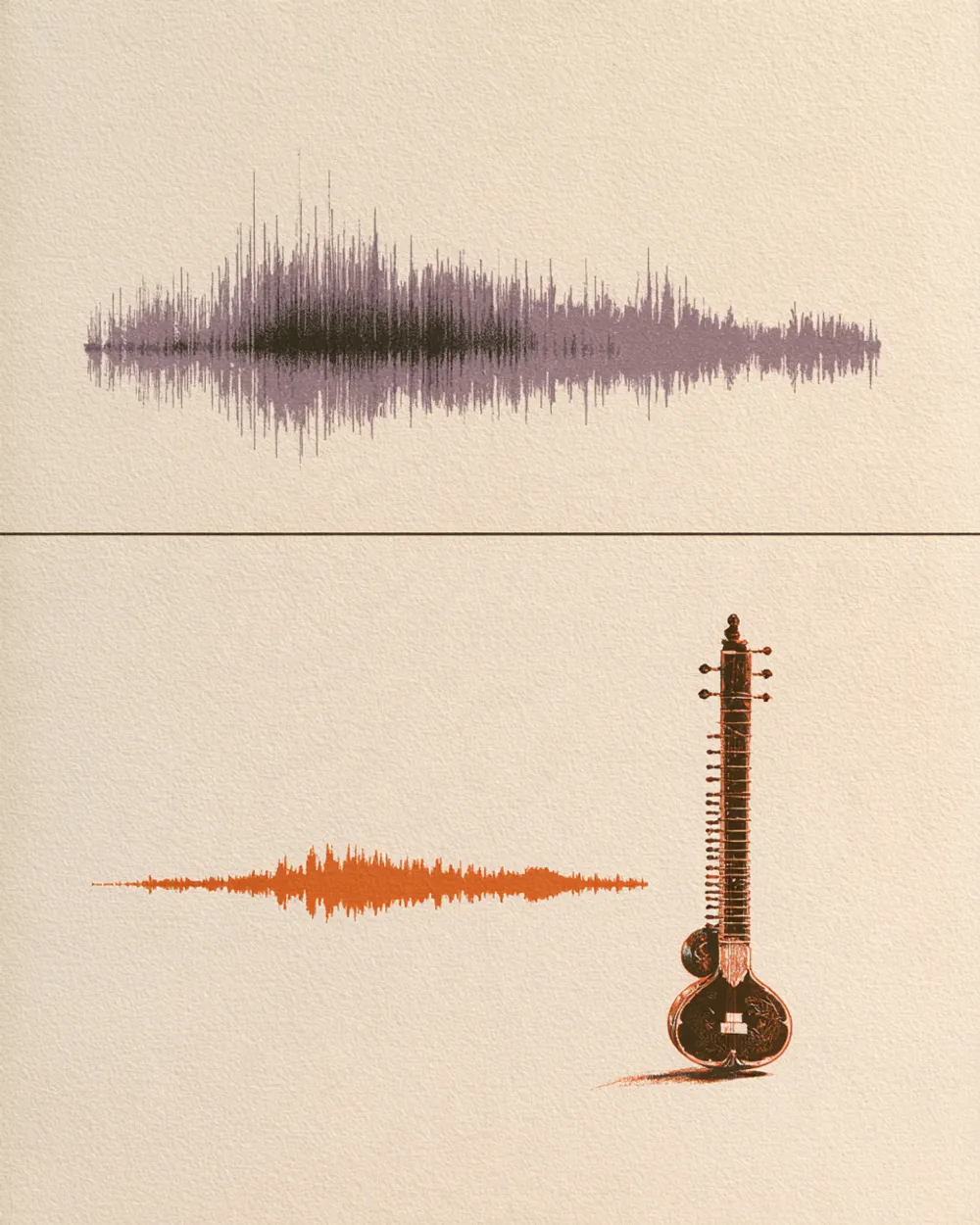
The sympathetic strings and the bent notes are easier to hear without drums and vocals.
Works on raga recordings and on the many rock songs that borrowed the sound.
Take the sitar out to hear what is underneath, or to add your own.
The details, before you upload.
It takes three steps.
Drop an audio or video file (MP3, WAV, FLAC, M4A, MP4, MOV, WebM, MKV) or paste a public YouTube or TikTok link on this page.
The mode is already chosen for you. You can leave the page while it works.
Play each track in your browser, then download the ones you need.
Study a master's playing one note at a time.

Use an isolated sitar line in a new track.

Study how a sitar is used in a score.

Hear the sitar apart from tabla and tanpura.
Yes. When you sign up with Google, you get 10 free minutes to try the Sitar Extractor on your own files. No credit card is needed. You can listen to every track in your browser.
Upload the recording and start. The sitar comes out alone. The tabla, drone and other instruments stay on the second track.
Yes. It works on any song with a sitar part.
Yes. Without the sitar, you hear the rest of the music, so you can play your own part over it.
Hand percussion has its own modes, like the Percussion Extractor.
Audio files (MP3, WAV, FLAC, M4A), local video files (MP4, MOV, WebM, MKV—audio is extracted locally in your browser), or public YouTube and TikTok video links. Results download as MP3, WAV (32-bit float) or FLAC (24-bit).
Other ways to split audio.
Drop an audio or video file—or paste a YouTube or TikTok link—and hear each track.