Free Premiere Pro Audio Cleanup

Clean noisy camera mics, AC hum and room hiss faster than wrestling Essential Sound sliders inside heavy timelines. Run Premiere Pro audio cleanup in the cloud and drop 32-bit float WAVs straight back into Premiere—or clean YouTube and TikTok footage.

How much to clean
  • No credit card required
  • 10 free minutes on sign-up

Hear noisy dialogue cleaned for your timeline

Compare raw location sound against crisp cleaned dialogue.

Clean dialogue ready for Premiere Pro timelines

Essential Sound can thin voices or stall timeline playback. Cleaning exported tracks in the cloud strips steady noise while leaving vocal warmth untouched.

Mode used: Gentle

  • No credit card required
  • 10 free minutes on sign-up

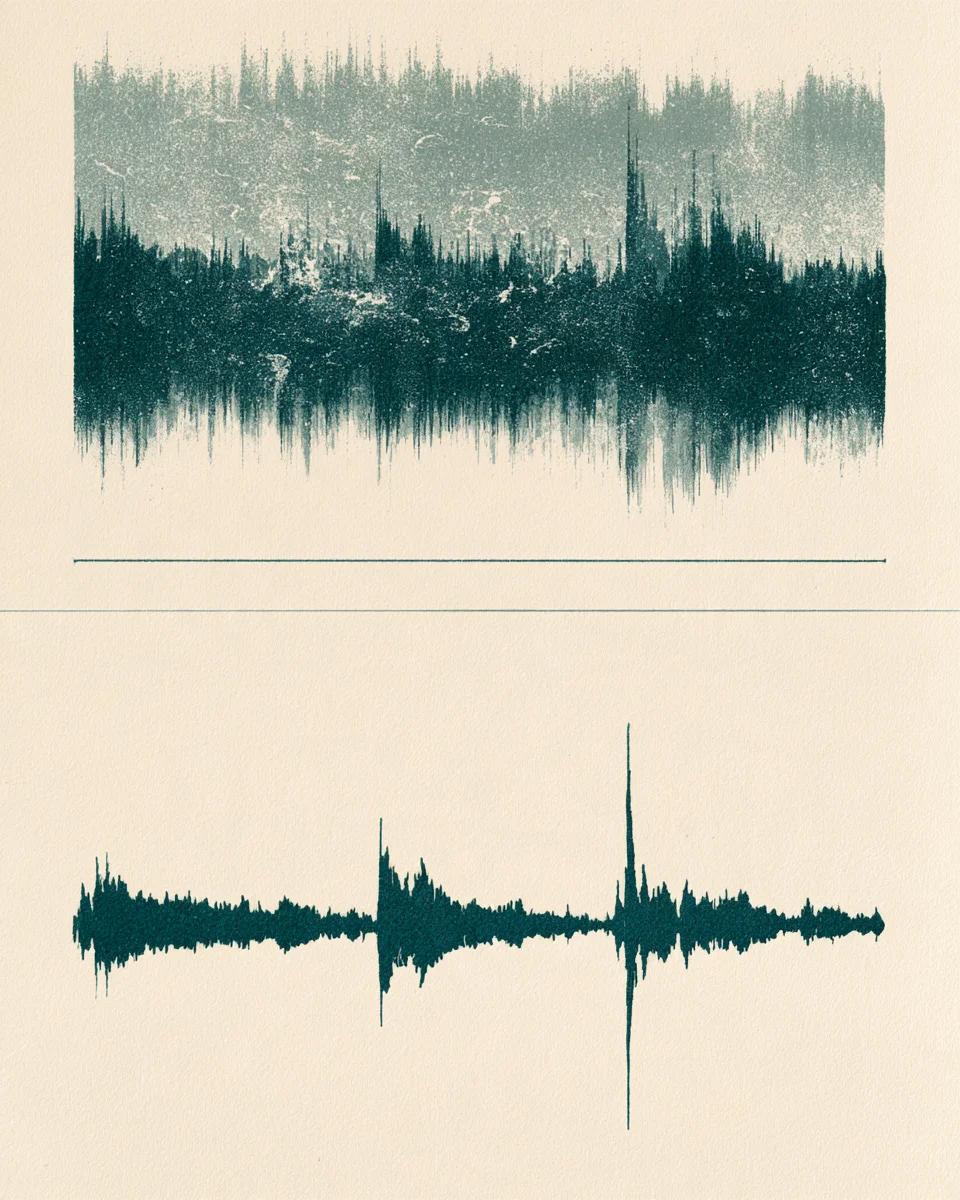
Example: noisy camera track vs clean dialogue

0:00 / 0:00

Built for Premiere editors

Faster video audio cleanup with sample-accurate timeline sync.

  • Keeps your Premiere timeline smooth

    Remove background noise outside Premiere so real-time scrubbing never stutters from heavy denoise FX racks.

  • Sample-accurate 48 kHz WAV sync

    Exports match exact video frame timing and sample rate so audio drops straight under multi-cam cuts.

  • Works on exported tracks, YouTube & TikTok

    Upload WAV/M4A dialogue stems, or clean public YouTube and TikTok clips; need to remove background music? Switch to Stem Splitter.

Premiere audio cleanup specs

Video-friendly sample rates and formats.

Free to try
10 free minutes when you sign up with Google. No credit card required.
Input
Audio (MP3, WAV, FLAC, M4A), local video (MP4, MOV, WebM, MKV—audio extracted in browser), or public YouTube & TikTok links up to 10 minutes / 100 MB.
Options
Gentle (indoor camera/lav mics) or Deep clean (loud street or crowd shoots).
Preview
Audition cleaned dialogue in full before re-importing into Premiere.
Download
32-bit float WAV (44.1 / 48 kHz), 24-bit FLAC or MP3.
Install
Runs in any browser beside Premiere Pro on Windows or Mac.

How to clean audio for Premiere Pro

Three steps from rough audio track to sync-ready WAV.

  1. 01

    Add audio, video or a link

    Drop an audio or video file (MP3, WAV, FLAC, M4A, MP4, MOV, WebM, MKV) or paste a public YouTube or TikTok link on this page.

  2. 02

    Select Gentle or Deep clean

    Use Gentle for room hiss and hum; pick Deep clean for busy streets or cafés.

  3. 03

    Drop WAV back in Premiere

    Download 48 kHz 32-bit float WAV and align it cleanly on your video timeline.

Who uses this Premiere audio workflow

Commercial & wedding editors

Rescue wireless lavalier hiss and venue air-con fast.

YouTube & social cutters

Tidy voiceovers and clean dialogue from public YouTube/TikTok references.

Corporate & event producers

Clean echoing conference panel mics without losing natural speaker body.

Assistant editors

Batch-clean dialogue stems ahead of final color and audio mix.

Premiere Pro audio cleanup FAQ

Is this Premiere Pro audio cleanup free to try?

Yes. Sign in with Google for 10 free minutes with no credit card required.

Will cleaned 48 kHz WAV audio stay synced to Premiere video cuts?

Yes. Duration and start timing match frame-for-frame with your exported audio file.

How do I remove background music Premiere Pro timelines leave mixed in?

When dialogue has unwanted background music behind speech, open our Stem Splitter or Voice Enhancement tool to separate music from talking.

Does this slow down Premiere timeline playback?

No. Because noise is cleaned before import, you need zero heavy realtime denoise effects on Premiere tracks.

Can I clean audio straight from a YouTube or TikTok video?

Yes. Open the workspace and paste a public YouTube or TikTok URL directly.

What about loud room echo from indoor shoots?

Pair with Echo Remover or Voice Enhancement when bare concrete or glass walls echo heavily.

What export settings work seamlessly with Premiere?

Choose 32-bit float WAV (48 kHz) or 24-bit FLAC for lossless editing headroom.

What are the free file limits?

Files up to 10 minutes or 100 MB run cleanly in your browser.

Clean video audio without lag

Drop your exported track and download sync-ready WAV in seconds.

  • No credit card required
  • 10 free minutes on sign-up