Free DaVinci Resolve Audio Cleanup

Use the free version of DaVinci Resolve without Voice Isolation? Strip mic hiss, fan hum and ambient chatter in your browser and export crisp 48 kHz WAVs back into Fairlight—or clean public YouTube and TikTok links.

How much to clean
  • No credit card required
  • 10 free minutes on sign-up

Hear clean dialogue before importing to Fairlight

Toggle between noisy camera audio and the cleaned dialogue track.

Cloud Voice Isolation alternative for Resolve Free users

DaVinci Resolve limits AI Voice Isolation to the desktop Studio edition. This browser cleanup removes constant background noise and outputs uncompressed WAV ready for Fairlight.

Mode used: Gentle

  • No credit card required
  • 10 free minutes on sign-up

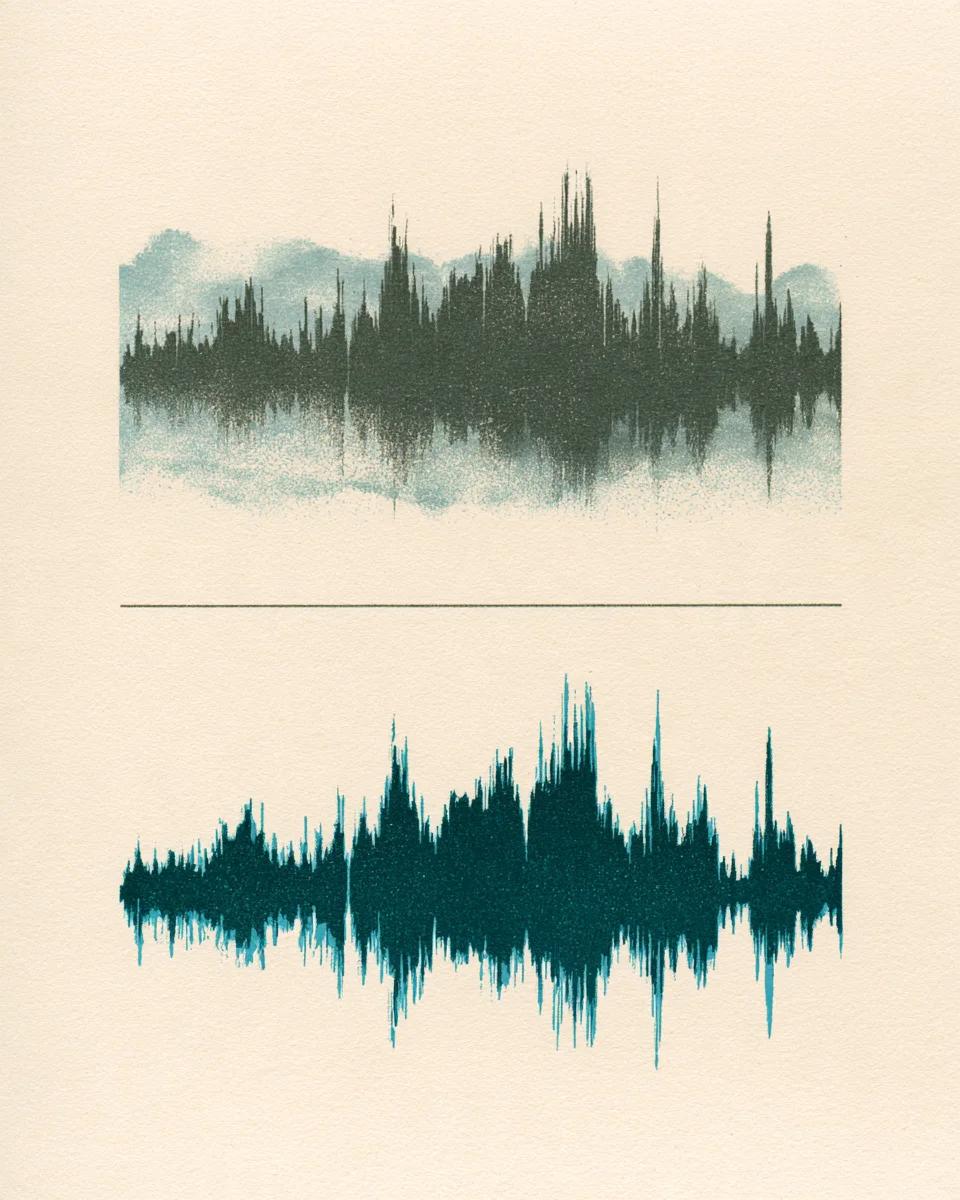
Example: noisy film clip vs clean dialogue

0:00 / 0:00

Why use this alongside DaVinci Resolve

Clean dialogue without hardware upgrades or timeline stutters.

  • Works with free DaVinci Resolve

    Bring clean AI noise removal into Resolve Free without needing Neural Engine studio add-ons.

  • Light on laptops during grading

    Keep your machine's memory free for color nodes and Fusion comps while noise cleanup runs remotely.

  • Audio files, YouTube & TikTok clips

    Upload WAV/MP3/M4A exported from Resolve, or clean public YouTube and TikTok reference audio inside the tool.

DaVinci audio cleanup specs

Fairlight-ready audio formats and limits.

Free to try
10 free minutes when you sign up with Google. No credit card required.
Input
Audio (MP3, WAV, FLAC, M4A), local video (MP4, MOV, WebM, MKV—audio extracted in browser), or public YouTube & TikTok links up to 10 minutes / 100 MB.
Options
Gentle (natural indoor speech) or Deep clean (wind, streets and crowds).
Preview
Compare original and cleaned tracks in full before importing to Resolve.
Download
32-bit float WAV (44.1 / 48 kHz), 24-bit FLAC or MP3.
Install
Runs in any desktop browser alongside DaVinci Resolve.

DaVinci Resolve remove background noise workflow

Three simple steps outside Fairlight.

  1. 01

    Add audio, video or a link

    Drop an audio or video file (MP3, WAV, FLAC, M4A, MP4, MOV, WebM, MKV) or paste a public YouTube or TikTok link on this page.

  2. 02

    Choose Gentle or Deep clean

    Start with Gentle for room hiss; switch to Deep clean for busy outdoor locations.

  3. 03

    Import WAV to Fairlight

    Check the clean speech and bring the 48 kHz 32-bit float WAV straight onto your track.

Who cleans Resolve dialogue here

DaVinci Resolve Free editors

Clean noisy mics without upgrading hardware or software.

Documentary colorists

Tidy scratch dialogue fast without slowing playback.

Indie short filmmakers

Strip location AC hum and street ambience on boom tracks.

YouTube & social creators

Polish commentary and clean public YouTube or TikTok audio clips.

DaVinci Resolve audio cleanup FAQ

Is this DaVinci Resolve audio cleanup free to start?

Yes. Sign up with Google to get 10 free minutes with no credit card required.

Does it work with the free version of DaVinci Resolve?

Yes. Export your dialogue clip as WAV or MP3, clean it here and drag the file straight back onto Fairlight.

Will cleaned WAV files keep exact video sync?

Yes. The exported 44.1 / 48 kHz WAV preserves exact timing and sample length.

When should I pick Gentle vs Deep clean?

Use Gentle for room tone and preamp hiss; switch to Deep clean for wind, café chatter or traffic.

Can I clean audio from YouTube or TikTok links too?

Yes. Paste a public link directly inside the workspace.

What if the clip also has heavy room echo?

Pair with Echo Remover or Voice Enhancement when walls sound hollow.

Why 32-bit float WAV?

Uncompressed 32-bit float WAV gives Fairlight maximum headroom for EQ and normalization.

What file duration is supported?

Free accounts handle audio files up to 10 minutes or 100 MB.

Clean DaVinci Resolve tracks fast

Drop your noisy track and export Fairlight-ready WAV in seconds.

  • No credit card required
  • 10 free minutes on sign-up