Free Podcast Audio Enhancer

Make remote Zoom guests, spare-room setups and uneven episodes sound consistent and easy to listen to. Upload an episode track here, or clean podcasts shared on YouTube and TikTok inside the tool.

How strong
  • No credit card required
  • 10 free minutes on sign-up

Hear the podcast audio enhancer in action

Listen to noisy guest dialogue before and after cleaning.

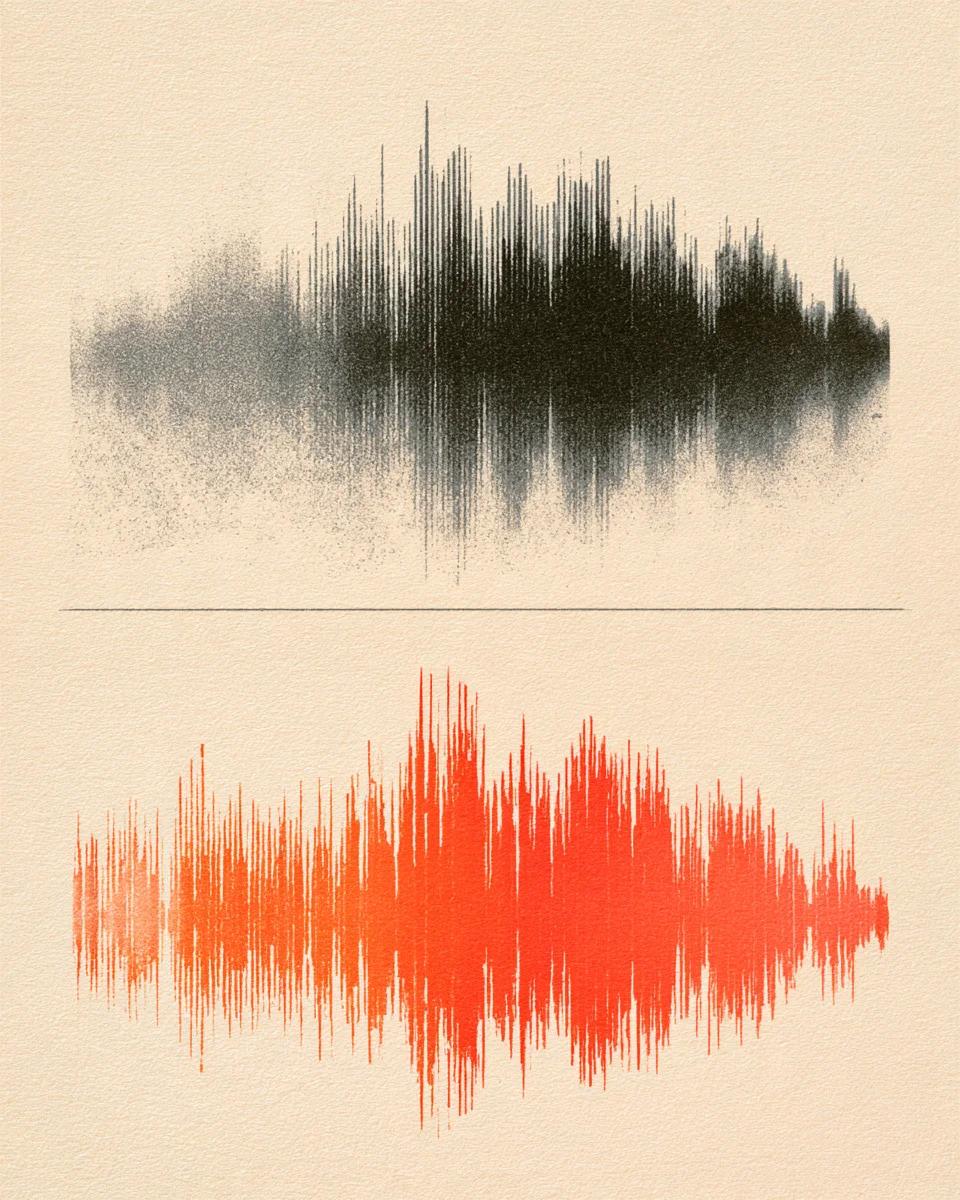
Fix an echoey remote podcast guest track

Recorded on a phone mic in an untreated room with audible AC hum and slapback echo. Gentle cleaning drops the room floor silent and brings the speaker forward cleanly.

Mode used: Gentle

  • No credit card required
  • 10 free minutes on sign-up

Example: noisy remote guest voice

0:00 / 0:00

Built for clear podcast audio

Fix real recording headaches without building complex DAW filter chains.

  • Matches remote guest mics to your host track

    Removes laptop mic thinness and room echo on call-in guests so both speakers sound close and balanced.

  • Works on audio files, YouTube & TikTok shows

    Upload multi-format dialogue files directly, or paste public YouTube podcast episodes and TikTok promo clips inside the workspace.

  • 48 kHz lossless WAV & 24-bit FLAC export

    Save broadcast-ready 32-bit float WAV or 24-bit FLAC alongside MP3 (up to 320 kbps) for your podcast feed.

Podcast audio cleaner specifications

Exact episode limits, link inputs and export specs.

Free to try
10 free minutes when you sign up with Google. No credit card required.
Input
Audio (MP3, WAV, FLAC, M4A), local video (MP4, MOV, WebM, MKV—audio extracted in browser), or public YouTube & TikTok links up to 10 minutes / 100 MB.
Options
Gentle (natural studio tone) or Strong (noisy cafes, cars or rough phone calls).
Preview
Listen across the full cleaned track in your browser before exporting.
Download
MP3 (up to 320 kbps), WAV (32-bit float, 44.1 / 48 kHz) or FLAC (24-bit).
Install
100% browser-based on Mac, Windows, iPhone and Android.

How to clean and enhance podcast audio

Three steps from raw dialogue to publishable sound.

  1. 01

    Add audio, video or a link

    Drop an audio or video file (MP3, WAV, FLAC, M4A, MP4, MOV, WebM, MKV) or paste a public YouTube or TikTok link on this page.

  2. 02

    Choose Gentle or Strong

    Use Gentle for most home-office episodes; pick Strong for loud outdoor interviews or bad call lines.

  3. 03

    Preview and export

    Check phrasing in your browser and download 32-bit float WAV, 24-bit FLAC or MP3.

Who uses this podcast voice enhancer

Independent podcast hosts

Make living-room recordings sound consistent from episode one.

Remote interview shows

Fix guests calling in from noisy offices or cheap laptop mics.

Video podcasters on YouTube

Pull spoken segments directly from public YouTube show links to clean dialogue or polish shorts.

Short-form clip editors

Extract and clean podcast highlights shared on TikTok and Shorts without watermark steps.

Podcast audio enhancer FAQ

Is this podcast audio enhancer free to try?

Yes. Sign up with Google to get 10 free minutes with no credit card required—enough to test full segments or several short guest clips.

Can I clean a podcast episode that is already uploaded to YouTube or TikTok?

Yes. Many shows publish full video podcasts on YouTube and highlight reels on TikTok—open the tool workspace and paste the public YouTube or TikTok link directly without downloading the video first.

How well does this podcast voice enhancer fix remote Zoom or Riverside guests?

It removes laptop fan hum, compression boxiness and bare-wall room echo so remote guest tracks sit naturally beside a close-mic studio host.

Should I pick Gentle or Strong as my podcast audio cleaner mode?

Start with Gentle for bedroom or office recordings so laughter and natural room warmth stay intact. Switch to Strong when a guest recorded in a cafe, car or airport.

Will my cleaned WAV track stay in sync with multi-cam video in Premiere or DaVinci?

Yes. Exported 44.1 / 48 kHz WAV and FLAC tracks preserve exact sample start timing and duration, locking cleanly to multicam video cuts.

Does this enhance intro music too, or should I upload dialogue only?

This podcast audio cleaner is tuned specifically for speech. Run it on your raw dialogue stem before mixing your intro music bed so instruments stay untouched.

What if a full YouTube video podcast is over the {freeMaxMinutes}-minute upload window?

Single files and public links process up to 10 minutes or 100 MB cleanly per job. Split longer 1–2 hour episodes into chapters or segments before running.

Which formats export for RSS hosts and video editors?

Download MP3 (up to 320 kbps) for podcast RSS feeds, or 32-bit float WAV (44.1 / 48 kHz) and 24-bit FLAC for mixing and video editing.

Polish your next podcast episode

Upload a dialogue track or paste a show link inside the tool.

  • No credit card required
  • 10 free minutes on sign-up