Free Clean Voice Recording

Take background noise, room echo and AC hum out of any voice recording while keeping natural tone. Upload a local file here or pull speech from a public YouTube or TikTok link inside the tool.

How strong
  • No credit card required
  • 10 free minutes on sign-up

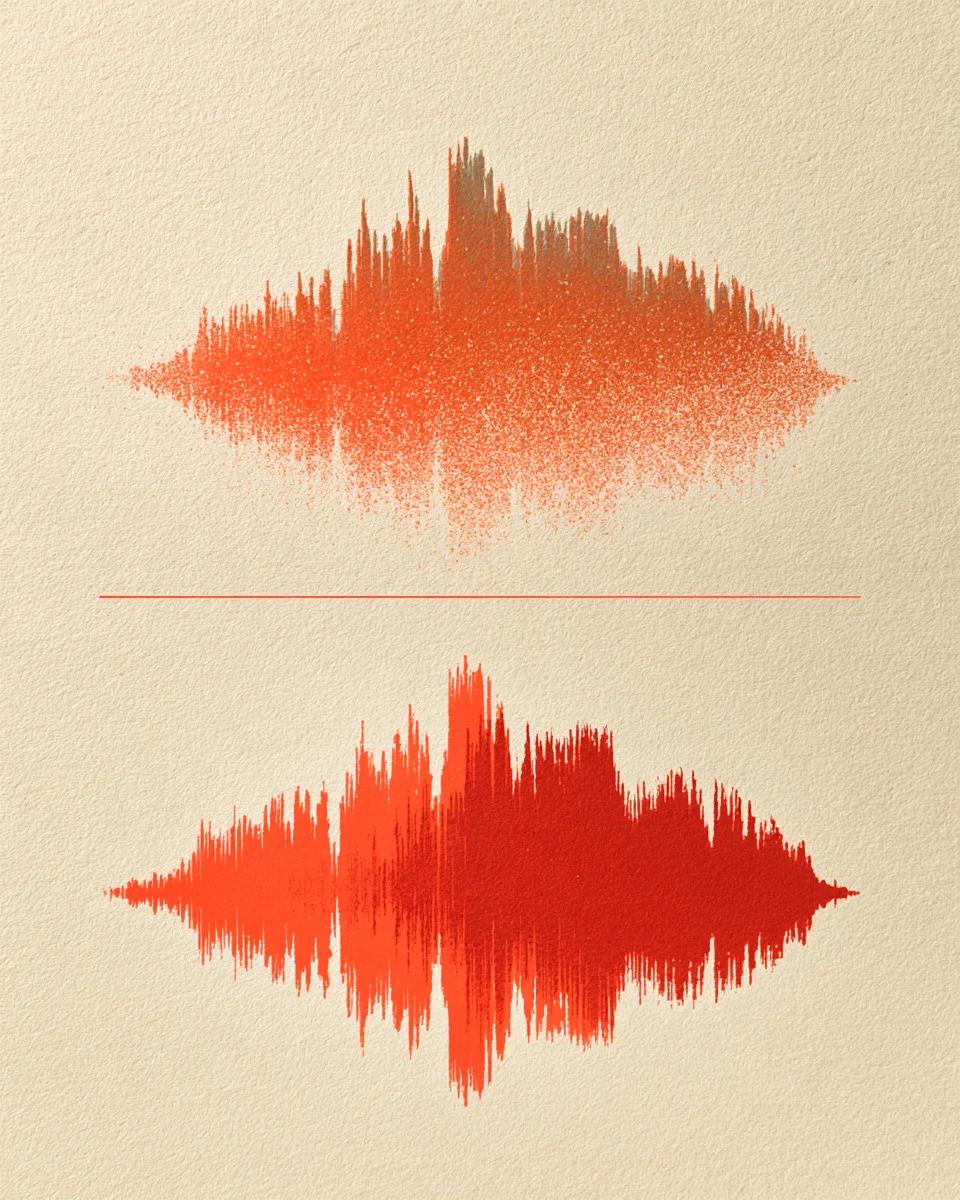
Hear a cleaned voice recording

Switch between the noisy original and the cleaned voice.

Remove background noise from a phone voice recording

Recorded on a phone in an echoing room with constant background hum. Gentle cleaning strips the noise floor and echo while keeping the speaker clear.

Mode used: Gentle

  • No credit card required
  • 10 free minutes on sign-up

Example: noisy voice recording

0:00 / 0:00

Why use AudioClear to clean voice recordings

Fast speech cleanup with natural voice texture preserved.

  • Remove background noise from audio recordings

    Clears HVAC hum, fan buzz, street chatter and microphone hiss in one pass without chopping word endings.

  • Strips room echo at the same time

    Unlike basic noise gates that leave bathroom reverb behind, both steady noise and hollow reflections are cleaned together.

  • Files, Voice Memos, YouTube & TikTok

    Drop MP3, WAV, FLAC or M4A clips directly here, or clean speech from public YouTube and TikTok links inside the tool.

Clean voice recording specs

Accepted formats, link support and free minutes.

Free to try
10 free minutes when you sign up with Google. No credit card required.
Input
Audio (MP3, WAV, FLAC, M4A), local video (MP4, MOV, WebM, MKV—audio extracted in browser), or public YouTube & TikTok links up to 10 minutes / 100 MB.
Options
Gentle (everyday voice memos and calls) or Strong (heavy ambient noise and echo).
Preview
Play the full cleaned recording in your browser before saving.
Download
MP3 (up to 320 kbps), WAV (32-bit float, 44.1 / 48 kHz) or FLAC (24-bit).
Install
Works in desktop and phone browsers with zero installs.

How to remove noise from a voice recording

Three simple steps in your browser.

  1. 01

    Add audio, video or a link

    Drop an audio or video file (MP3, WAV, FLAC, M4A, MP4, MOV, WebM, MKV) or paste a public YouTube or TikTok link on this page.

  2. 02

    Pick Gentle or Strong

    Keep Gentle for everyday voice recordings; use Strong when street noise or echo is severe.

  3. 03

    Listen and download

    Check the clean speech right in your browser and save as MP3, WAV or FLAC.

Who cleans voice recordings here

Journalists & researchers

Clean up noisy field interviews and meeting recordings before transcribing or airing.

Students & lecturers

Make hall-recorded lectures and M4A study memos crisp and easy to review.

Course & video creators

Polish narration tracks, YouTube voiceovers and TikTok explainers from any room.

Podcasters

Remove noise from voice recording stems recorded outside a treated studio.

Clean voice recording FAQ

Can I clean a voice recording online for free?

Yes. Signing up with Google gives you 10 free minutes with no credit card required to remove noise from voice recording files.

How to remove background noise from an audio recording without metallic distortion?

Keep Gentle selected. Traditional spectral subtraction leaves watery artifacts on consonants, whereas voice restoration removes hum and hiss cleanly without hollow speech.

Does it work on iPhone Voice Memos (.m4a) and Zoom call recordings?

Yes. Drop .m4a Voice Memos, MP3, WAV or FLAC files directly onto the page—no format conversion needed beforehand.

Can I clean a spoken recording posted on YouTube or TikTok?

Yes. Inside the tool workspace you can paste a public YouTube or TikTok link to clean interviews, podcasts or talking clips directly.

Should I use Gentle or Strong to remove noise from voice recording clips?

Gentle handles typical office fans, AC hum and mild echo while preserving natural voice warmth. Switch to Strong for windy streets, cafes or distant microphones.

What is the difference between this page and the AI Noise Remover?

Clean voice recording uses speech-focused cleanup that tackles noise, room echo and mic muffling together; the AI Noise Remover also works on music tracks when you only want hiss removed.

What audio formats can I download after cleaning?

Download clean recordings as MP3 (up to 320 kbps), 32-bit float WAV (44.1 / 48 kHz) or 24-bit FLAC for editing or sharing.

How long can my voice recording be?

Files and public links up to 10 minutes or 100 MB run directly in Chrome, Safari, Edge and Firefox on computer or phone.

Clean up your voice recording

Upload a file and hear background noise disappear.

  • No credit card required
  • 10 free minutes on sign-up