Free Backing Vocal Isolator

Isolate backing vocals, harmonies and ad-libs from the lead singer cleanly. Upload a full song or vocal stem here, or paste a public YouTube or TikTok link inside the workspace to extract backing vocals.

Separation mode
  • No credit card required
  • 10 free minutes on sign-up

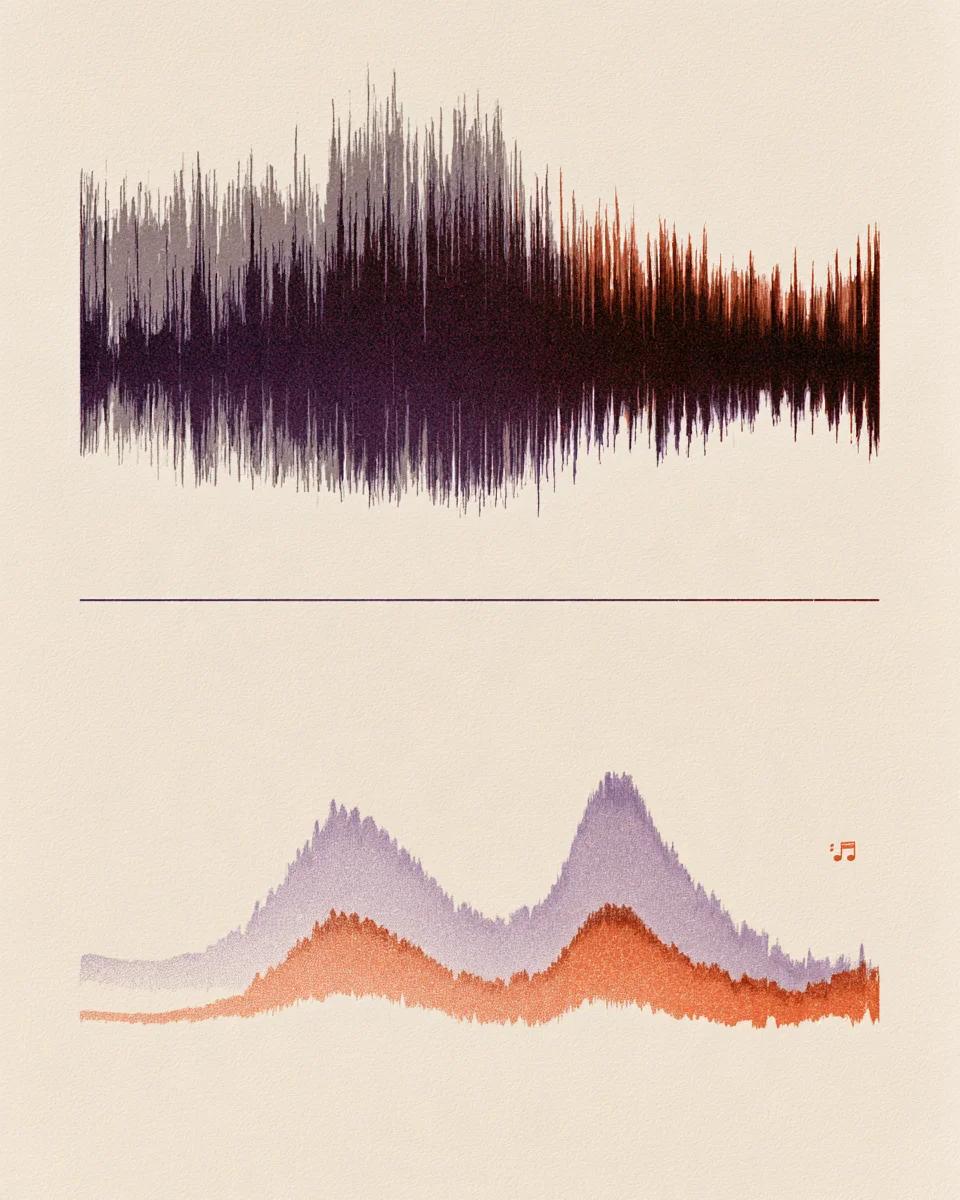
Listen to lead vs backing vocals separation

Switch tabs to hear the full mix, isolated harmonies and lead vocal.

Separate lead singing from chorus harmonies

Standard vocal removers lump lead and harmonies into one file. Here you can separate lead and backing vocals cleanly so choir layers, doubles and ad-libs stand out on their own.

Mode used: Karaoke

  • No credit card required
  • 10 free minutes on sign-up

Example: full song vs backing vocals vs lead

0:00 / 0:00

Why isolate backing vocals here

Clean harmony extraction for singers, arrangers and vocal mixers.

  • Separates lead from harmonies cleanly

    Splits center lead singing from stacked backing vocals, doubles and ad-libs instead of merging them into one vocal track.

  • Hear every choir part clearly

    Study third, fifth and octave harmony lines in pop, gospel or R&B tracks without competing lead vocals.

  • Audio files, YouTube & TikTok

    Drop MP3, WAV, FLAC or M4A here, or extract backing vocals from public YouTube and TikTok songs inside the workspace.

Backing vocal isolator specs

Supported tracks, harmony modes and download formats.

Free to try
10 free minutes when you sign up with Google. No credit card required.
Input
Audio (MP3, WAV, FLAC, M4A), local video (MP4, MOV, WebM, MKV—audio extracted in browser), or public YouTube & TikTok links up to 10 minutes / 100 MB.
Modes
Karaoke (isolates lead and backing), Karaoke Pro or Vocals & Instrumental.
Preview
Compare full song, lead vocal and backing vocals in your browser.
Download
MP3 (up to 320 kbps), WAV (32-bit float, 44.1 / 48 kHz) or FLAC (24-bit).
Install
Works in desktop and mobile browsers with nothing to install.

How to extract backing vocals

Isolate harmonies and ad-libs in three steps.

  1. 01

    Add audio, video or a link

    Drop an audio or video file (MP3, WAV, FLAC, M4A, MP4, MOV, WebM, MKV) or paste a public YouTube or TikTok link on this page.

  2. 02

    Keep Karaoke selected

    Karaoke splits the lead vocal from the backing track and harmonies; pick Karaoke Pro for denser mixes.

  3. 03

    Listen and download

    Audition the isolated backing vocals and export 32-bit float WAV, 24-bit FLAC or MP3.

Who isolates backing vocals

Harmony & choir singers

Learn exact inner harmony intervals and timing by muting the main singer.

Cover & karaoke artists

Sing the lead part live while keeping the original chorus harmonies behind you.

Vocal producers

Analyze how doubled choruses, stacks and ad-libs are panned and layered.

Music students

Transcribe multi-part vocal arrangements by hearing backing harmonies clearly.

Isolate backing vocals FAQ

Is it free to isolate backing vocals online?

Yes. Signing in with Google gives you 10 free minutes with no credit card needed.

What is the difference between Karaoke and Vocals & Instrumental?

Vocals & Instrumental puts all singing into one stem. Karaoke separates lead vocals from the backing mix and harmonies.

Can I extract backing vocals from a YouTube or TikTok song?

Yes. Open the workspace and paste any public YouTube or TikTok URL to separate lead and backing vocals directly.

Does this also extract ad-libs and chorus doubles?

Yes. Wide stereo harmonies, call-and-response ad-libs and stacked chorus layers are grouped separately from the main lead vocal.

Can I get a karaoke backing track that keeps background singers?

Yes. Downloading the backing output gives you the full instrumental plus original backing harmonies with only the lead removed.

What if the chorus has heavy reverb or autotune?

Tightly stacked stereo reverb can slightly blur lead and backing boundaries, but crisp center leads separate cleanly.

What audio formats are available for download?

Download MP3 (up to 320 kbps), lossless 24-bit FLAC or 32-bit float WAV ready for any DAW.

What is the maximum file size and duration?

Free accounts support files up to 10 minutes or 100 MB directly in any browser.

Isolate harmonies in seconds

Drop a song and hear lead and backing vocals separated cleanly.

  • No credit card required
  • 10 free minutes on sign-up