Upscale a low-quality song
This song was saved in low quality, so the bright, clear part of the sound is missing. Audio super resolution adds it back.
Mode used: Whole song
- No credit card required
- 10 free minutes on sign-up
Example: low-quality song
Low-quality audio loses part of its sound. Audio super resolution uses AI to add that sound back, so your file sounds clear again.
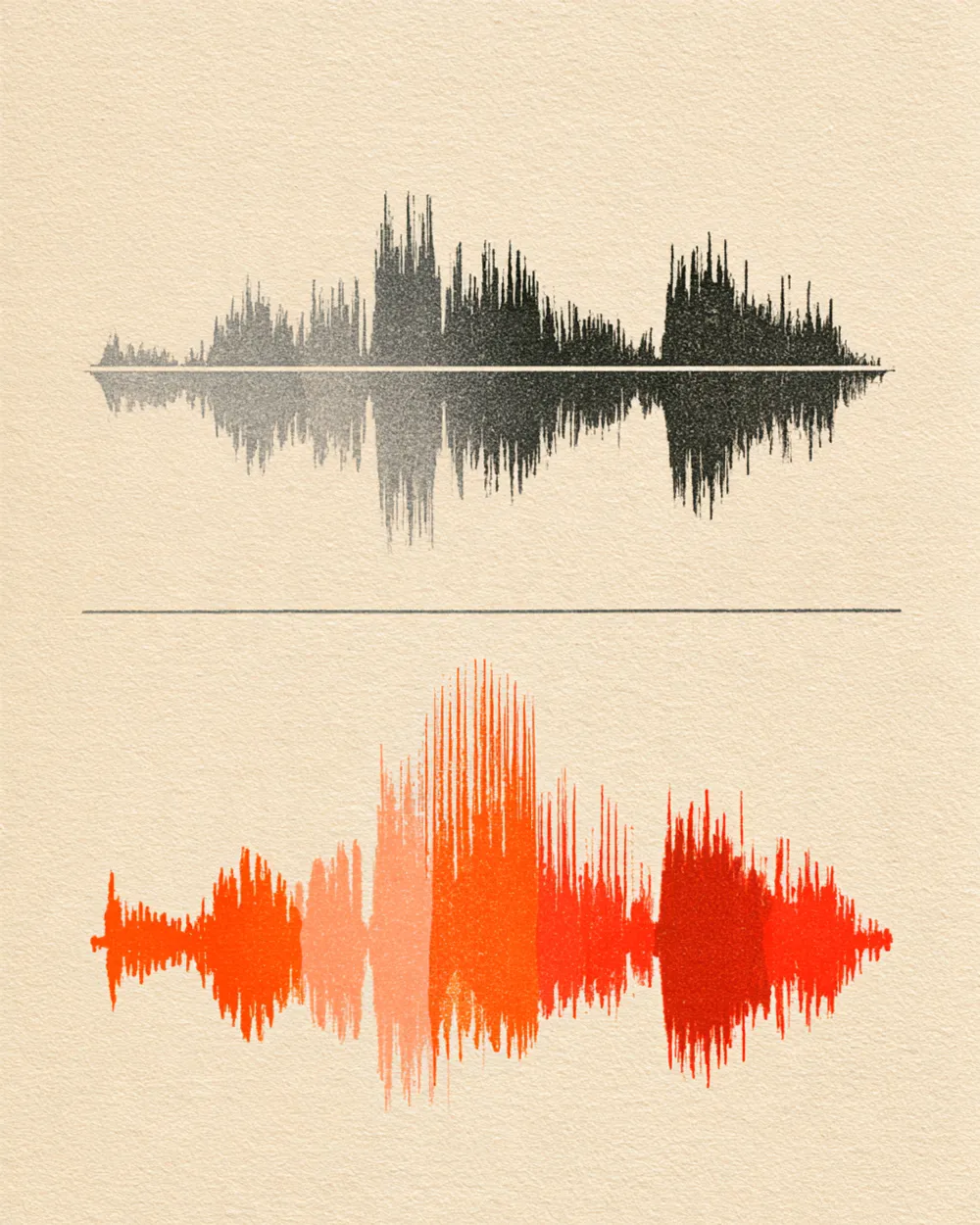
Play an example and switch between Before and After to hear the change.
This song was saved in low quality, so the bright, clear part of the sound is missing. Audio super resolution adds it back.
Mode used: Whole song
Example: low-quality song
It is a simple way to upscale audio without any audio skills.
Upload the file and choose whole song or vocals. That is all.
The song keeps its length, speed and key. Only the sound quality changes.
Save the result as an MP3, WAV (32-bit float) or FLAC (24-bit) file.
The details, before you upload.
It takes three steps.
Drop an audio or video file (MP3, WAV, FLAC, M4A, MP4, MOV, WebM, MKV) or paste a public YouTube or TikTok link on this page.
Whole song works for most files.
Play the result in your browser, then download it.

Improve old recordings that were saved in low quality.

Upscale old samples and reference tracks.

Fix low-quality audio from video clips.

Make old song files sound clear again.
Yes. When you sign up with Google, you get 10 free minutes to try the audio super resolution tool on your own files. No credit card is needed. You can listen to every result in your browser.
It is a way to upscale audio. AI adds back the sound a low-quality file lost, so it sounds clear again.
An audio upscaler makes low-quality audio sound clearer. Audio super resolution is a kind of audio upscaler: it uses AI to add back the sound a file lost.
The AI has learned how clear music sounds. It listens to your low-quality file and fills in the missing sound.
No. The file keeps the same length, speed and key.
Audio files (MP3, WAV, FLAC, M4A), local video files (MP4, MOV, WebM, MKV—audio is extracted locally in your browser), or public YouTube and TikTok video links. Results download as MP3, WAV (32-bit float) or FLAC (24-bit).
Upload a song or recording and hear the difference.