Free TikTok Audio Cleaner

Outdoor wind, camera hiss and room hum ruin good clips. Paste a TikTok link to clean TikTok audio and extract clear speech or music without harsh filtering.

How much to clean
  • No credit card required
  • 10 free minutes on sign-up

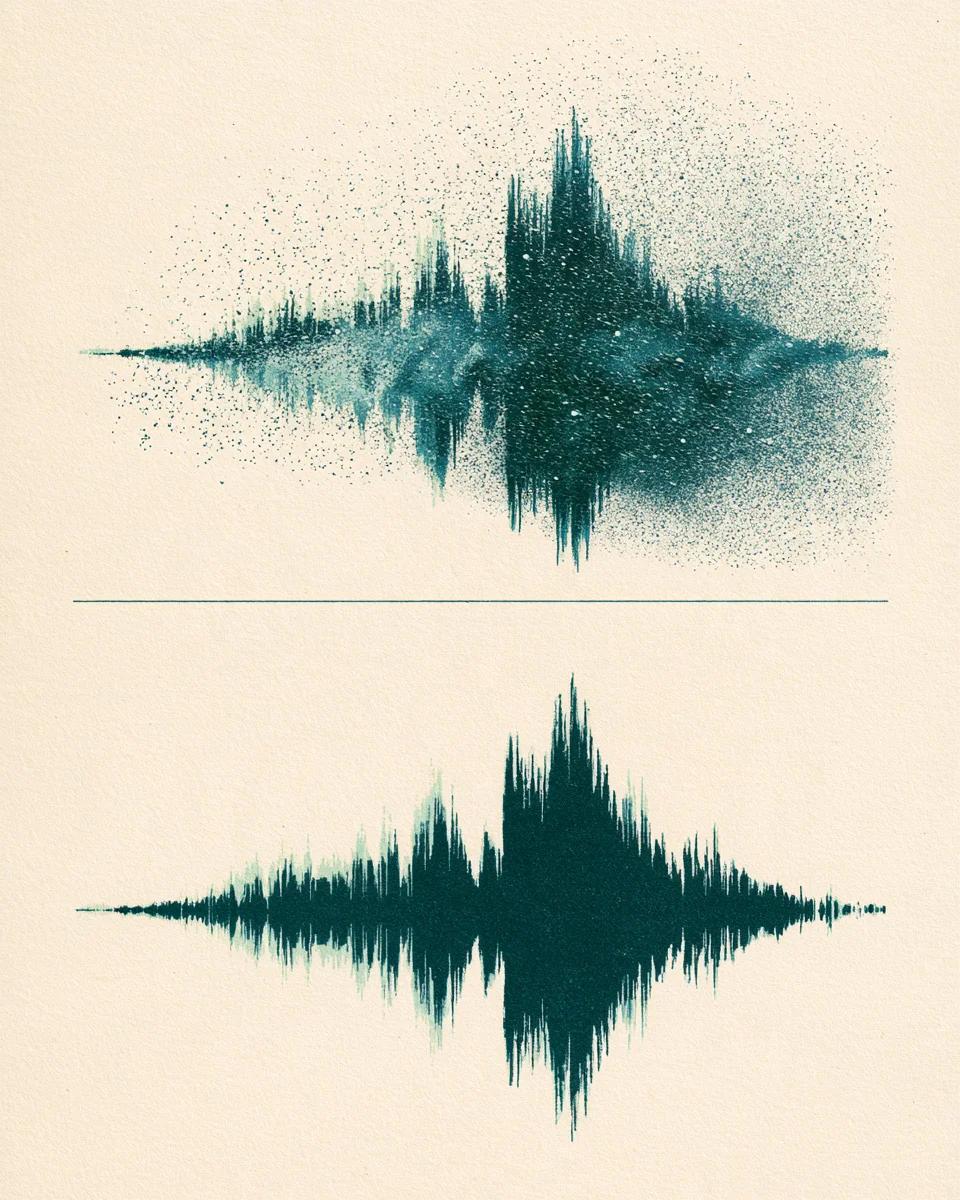
Hear the noise remover on real noisy clips

Switch between Before and After to hear how hiss and background buzz drop out while the audio stays natural.

Remove constant hiss, fan hum and ambient buzz

Clip-on mics, phones and outdoor shoots often pick up steady AC buzz and street noise. Our broadband noise remover filters hiss and hum across 44.1 / 48 kHz audio while keeping voice tone natural so you can extract audio from TikTok cleanly for edits or reposts.

Mode used: Gentle noise removal

  • No credit card required
  • 10 free minutes on sign-up

Example: noisy recording vs cleaned audio

0:00 / 0:00

Why use this TikTok audio cleaner

Removes real background noise without making voices sound robotic.

  • Removes hiss, AC hum and street noise

    Targets continuous broadband hiss and electrical hum instead of flat high-cut EQ that makes voices dull.

  • Two strength presets for any clip

    Use Gentle for light indoor mic hiss, or Aggressive for windy outdoor TikTok vlogs and street interviews.

  • Lossless output after link import

    Paste a TikTok URL to fetch clean audio and download the denoised result as 32-bit float WAV, 24-bit FLAC or MP3.

TikTok audio cleaner specifications

Supported links, formats and free trial limits.

Free to try
10 free minutes when you sign up with Google. No credit card required.
Inputs
Audio (MP3, WAV, FLAC, M4A), local video (MP4, MOV, WebM, MKV—audio extracted in browser), or public YouTube & TikTok links up to 10 minutes / 100 MB.
Modes
Gentle (natural tone) or Aggressive (heavy wind, traffic and room noise).
Output formats
MP3, WAV (32-bit float, 44.1 / 48 kHz) or FLAC (24-bit).
Preview
Compare original and cleaned audio side by side in your browser.
Install
Works in phone and desktop browsers with nothing to install.

How to clean TikTok audio from a link

Paste the link and remove background noise in three steps.

  1. 01

    Paste a TikTok link

    Paste any public TikTok or YouTube video URL into the box above, or drop a local audio or video file (MP3, WAV, FLAC, M4A, MP4, MOV, WebM, MKV).

  2. 02

    Pick Gentle or Aggressive

    Gentle keeps crisp room detail; Aggressive clears heavy street wind and crowd hum.

  3. 03

    Listen and export

    Compare before and after right in your browser, then save MP3, WAV or FLAC.

Who uses a TikTok audio cleaner

Vloggers & storytellers

Salvage talking clips recorded outdoors, in cars or near noisy appliances.

Reels & Shorts editors

Extract and clean audio from TikTok clips before reusing narration in cross-posts.

Street interviewers

Knock down wind rumble and crowd hum while keeping both speakers intelligible.

Street musicians

Clean mic hiss and room buzz from live vocal or acoustic cover clips.

TikTok audio cleaner FAQ

Is this TikTok audio cleaner free?

Yes. Creating an account with Google gives you 10 free minutes with no credit card required.

Do mobile vm.tiktok.com and vt.tiktok.com share links work directly?

Yes. Tap Share -> Copy Link in the TikTok app and paste vm.tiktok.com, vt.tiktok.com or full tiktok.com/@user/video URLs straight into the box.

Can I extract audio from TikTok and clean noise without saving a watermarked video?

Yes. Pasting a public TikTok link imports the audio directly in your browser and lets you remove background noise without downloading watermarked MP4 files first.

What if my TikTok video is still a private draft or saved on my phone before posting?

Private and friends-only drafts cannot be pulled via link. Just switch to upload and drop your Camera Roll audio clip (MP3, WAV, FLAC or M4A) directly before posting.

What happens when a TikTok clip uses a trending sound plus voiceover?

The link importer captures the audio track attached to the TikTok clip. On Original Sound clips with talking, street interviews or guitar covers, the noise remover cleans wind and hiss directly.

TikTok voice audio is heavily compressed—which mode prevents robotic sound?

Use Gentle for indoor mic hiss or subtle breeze to preserve natural tone. Switch to Aggressive for gusty wind, moving cars or loud street traffic.

Will cleaned TikTok audio stay synced with lip movements in CapCut or Premiere?

Yes. Exported 44.1 / 48 kHz WAV tracks keep exact original duration and start timing so dropping them back under your video clip never drifts out of sync.

Can I also clean YouTube Shorts links, and what file limits apply?

Yes—public TikTok or YouTube URLs plus local uploads up to 10 minutes / 100 MB export cleanly as MP3, 32-bit float WAV or 24-bit FLAC.

Clean your TikTok audio in seconds

Paste a public TikTok link or drop a recording and hear the noise disappear.

  • No credit card required
  • 10 free minutes on sign-up