Free Multi-Singer Separator

Give each singer in a song their own track. Upload a song with two or more singers and hear each voice apart.

Separation mode
  • No credit card required
  • 10 free minutes on sign-up

Listen to the Multi‑Singer Separator

Play the example and switch between the full song and each part.

Who is singing which line?

In a group song, the singers swap lines and sing over each other. Split the vocals by singer and you can follow one person all the way through the song.

  • No credit card required
  • 10 free minutes on sign-up

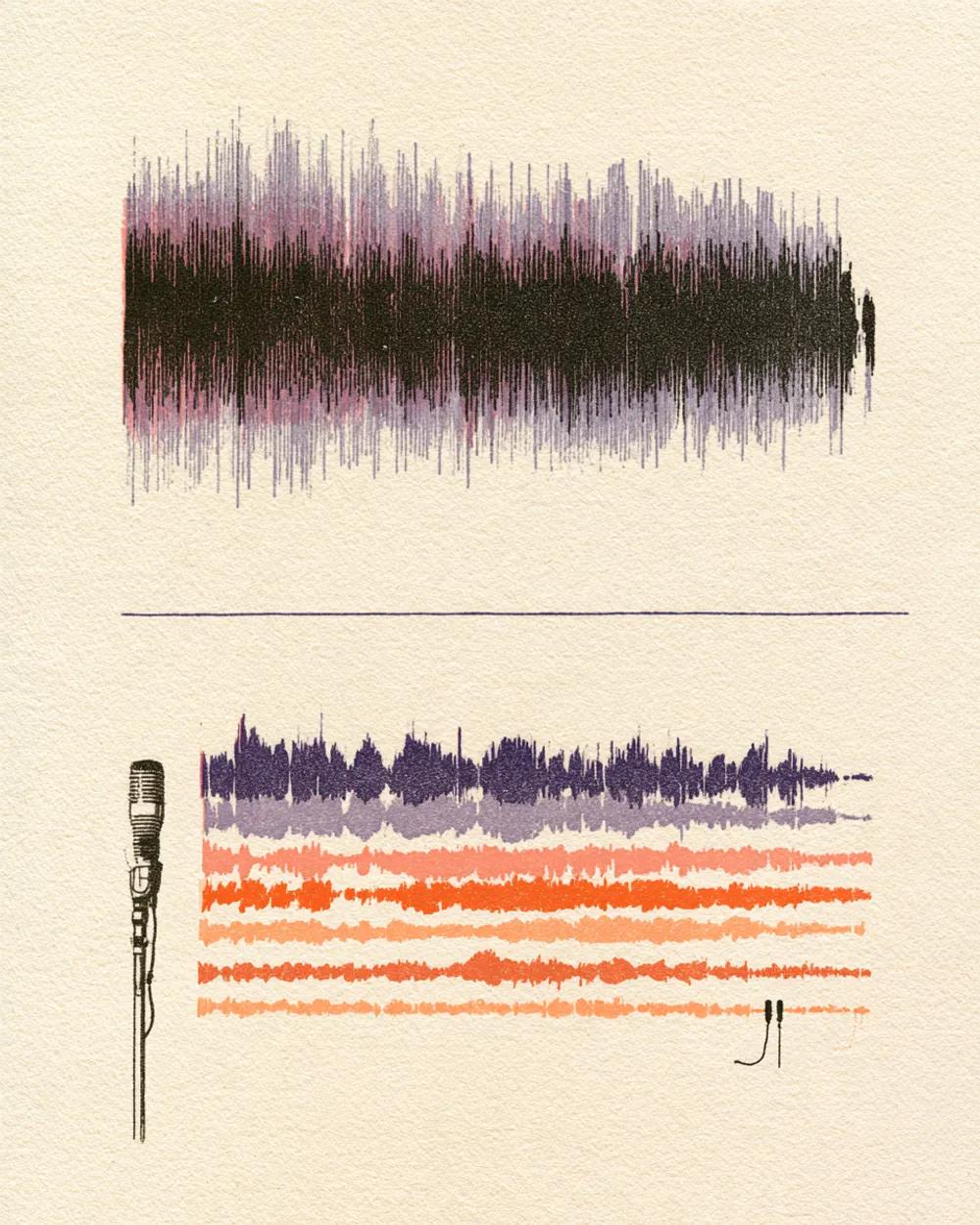
Example: singers split from a vocal mix

0:00 / 0:00

Why use the Multi‑Singer Separator

  • One track per voice

    Each singer ends up on their own file, so you can follow one voice through the whole song.

  • For groups and duos

    Made for songs where several people sing, not just one lead.

  • A fast way to learn your line

    Mute your own track and sing it against the others.

What you get

The details, before you upload.

Free to try
10 free minutes when you sign up with Google. No credit card required.
Upload
Audio (MP3, WAV, FLAC, M4A), local video (MP4, MOV, WebM, MKV—audio extracted in browser), or public YouTube & TikTok links up to 10 minutes.
You get
One track for each singer the tool hears, so the number of files depends on the song.
Listen
Play, solo and mute each track in your browser.
Download
MP3, WAV (32-bit float) or FLAC (24-bit).
Install
Nothing to install. It works in any browser, on a computer or a phone.

How to use the Multi‑Singer Separator

It takes three steps.

  1. 01

    Add audio, video or a link

    Drop an audio or video file (MP3, WAV, FLAC, M4A, MP4, MOV, WebM, MKV) or paste a public YouTube or TikTok link on this page.

  2. 02

    Start

    The mode is already chosen for you. You can leave the page while it works.

  3. 03

    Listen and download

    Play each track in your browser, then download the ones you need.

Who uses the Multi‑Singer Separator

Group members

Learn your own lines from the recording.

Vocal coaches

Show a singer exactly what their part does.

Producers and remixers

Move voices around, or rebuild a song with a different mix.

Fans and learners

Hear who sings which line in a favourite song.

Multi‑Singer Separator FAQ

Is the Multi-Singer Separator free?

Yes. When you sign up with Google, you get 10 free minutes to try the Multi-Singer Separator on your own files. No credit card is needed. You can listen to every track in your browser.

How many tracks do I get?

One for each singer the tool hears. A duet gives you two, a trio three, and so on.

How do I separate singers?

Upload the song and start. Each voice comes out on its own track.

Is it the same as the Male Female Vocal Separator?

No. That mode splits male and female voices. This one gives each singer their own track, whatever their voices sound like.

Can I split lead and backing vocals?

Yes. Use the Karaoke Maker.

Which files or links can I use?

Audio files (MP3, WAV, FLAC, M4A), local video files (MP4, MOV, WebM, MKV—audio is extracted locally in your browser), or public YouTube and TikTok video links. Results download as MP3, WAV (32-bit float) or FLAC (24-bit).

Try the Multi‑Singer Separator on your own audio

Drop an audio or video file—or paste a YouTube or TikTok link—and hear each track.

  • No credit card required
  • 10 free minutes on sign-up