Free Flute Extractor

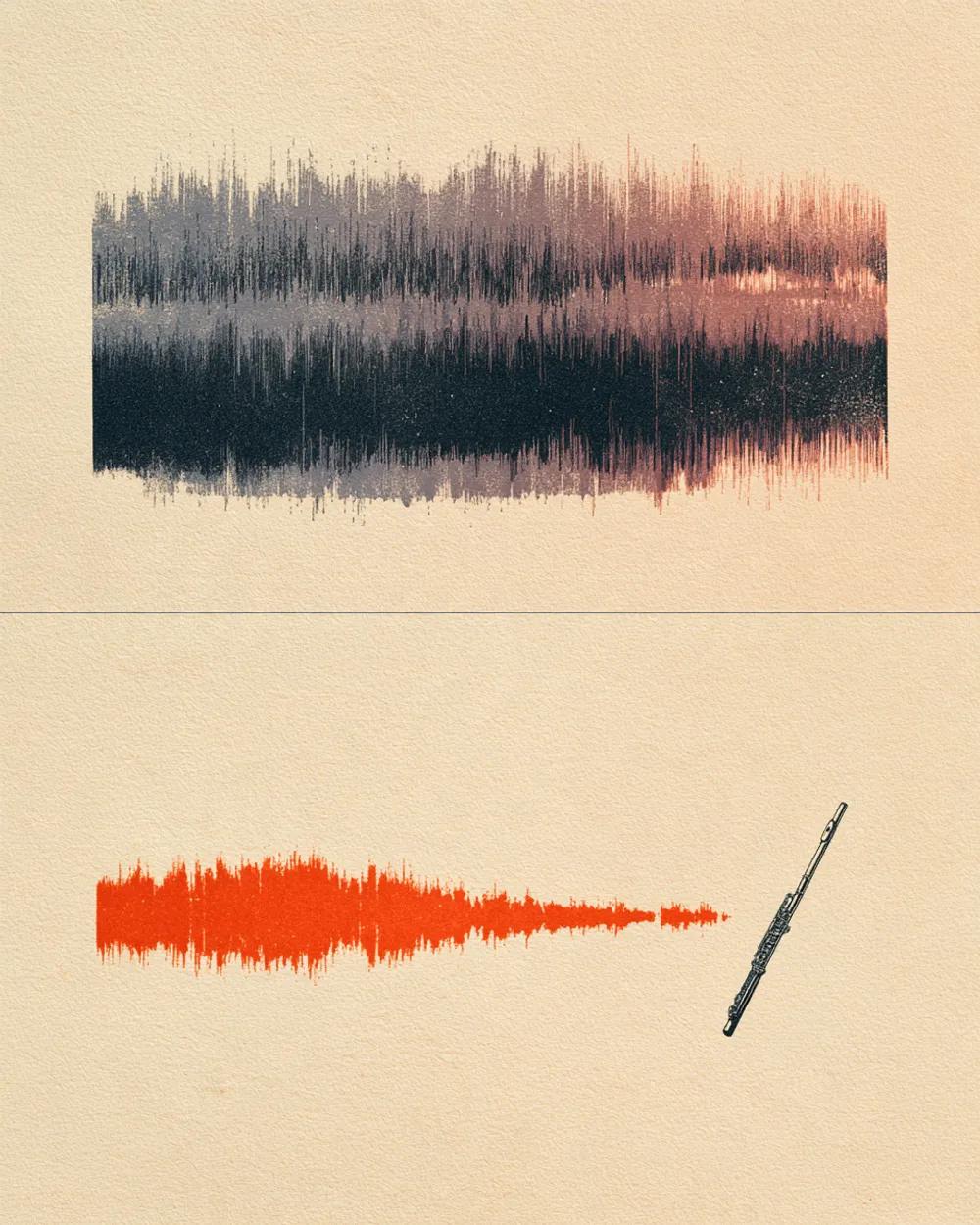
Pull the flute out of a song and hear its light, airy line on its own. Or take it out and play the part yourself.

Separation mode
  • No credit card required
  • 10 free minutes on sign-up

Listen to the Flute Extractor

Play the example and switch between the full song and each part.

Follow the flute over the band

A flute plays high and soft, and it can disappear behind guitars and cymbals. Pull it out and you can hear every breath, trill and run clearly, then play it back against the rest of the song.

  • No credit card required
  • 10 free minutes on sign-up

Example: flute split from a full song

0:00 / 0:00

Why use the Flute Extractor

  • The flute by itself

    Hear the phrasing, the trills and the breath between notes.

  • A track without it

    Play the flute part yourself over the original band.

  • Folk, pop and film music

    Works wherever the flute adds a light top line.

What you get

The details, before you upload.

Free to try
10 free minutes when you sign up with Google. No credit card required.
Upload
Audio (MP3, WAV, FLAC, M4A), local video (MP4, MOV, WebM, MKV—audio extracted in browser), or public YouTube & TikTok links up to 10 minutes.
You get
Two tracks: the flute on its own, and the rest of the song without the flute.
Listen
Play, solo and mute each track in your browser.
Download
MP3, WAV (32-bit float) or FLAC (24-bit).
Install
Nothing to install. It works in any browser, on a computer or a phone.

How to use the Flute Extractor

It takes three steps.

  1. 01

    Add audio, video or a link

    Drop an audio or video file (MP3, WAV, FLAC, M4A, MP4, MOV, WebM, MKV) or paste a public YouTube or TikTok link on this page.

  2. 02

    Start

    The mode is already chosen for you. You can leave the page while it works.

  3. 03

    Listen and download

    Play each track in your browser, then download the ones you need.

Who uses the Flute Extractor

Flutists

Learn songs from recordings and practise with the band.

Music teachers

Give a student a part alone, then the full song.

Folk and world musicians

Study how the flute leads in a tune.

Producers

Use an isolated flute as a loop or a reference.

Flute Extractor FAQ

Is the Flute Extractor free?

Yes. When you sign up with Google, you get 10 free minutes to try the Flute Extractor on your own files. No credit card is needed. You can listen to every track in your browser.

How do I isolate the flute?

Upload the song and start. The flute comes out alone, so each trill and breath is clear. The rest of the song is saved separately.

Can I get a whole woodwind section instead?

Yes. The Woodwind Isolator returns flute, clarinet and other woodwinds together.

Can I remove the flute from a song?

Yes. The track without the flute is the rest of the band, ready for you to play the flute line.

Can I slow the part down?

Yes. Open the downloaded track in a slow-down tool or any audio editor.

Which files or links can I use?

Audio files (MP3, WAV, FLAC, M4A), local video files (MP4, MOV, WebM, MKV—audio is extracted locally in your browser), or public YouTube and TikTok video links. Results download as MP3, WAV (32-bit float) or FLAC (24-bit).

Try the Flute Extractor on your own audio

Drop an audio or video file—or paste a YouTube or TikTok link—and hear each track.

  • No credit card required
  • 10 free minutes on sign-up