Free Speech Music SFX Separator

Split a film, show or video into three tracks: dialogue, music and sound effects. Use any one on its own.

Separation mode
  • No credit card required
  • 10 free minutes on sign-up

Listen to the Speech Music SFX Separator

Play the example and switch between the full song and each part.

A scene in three layers

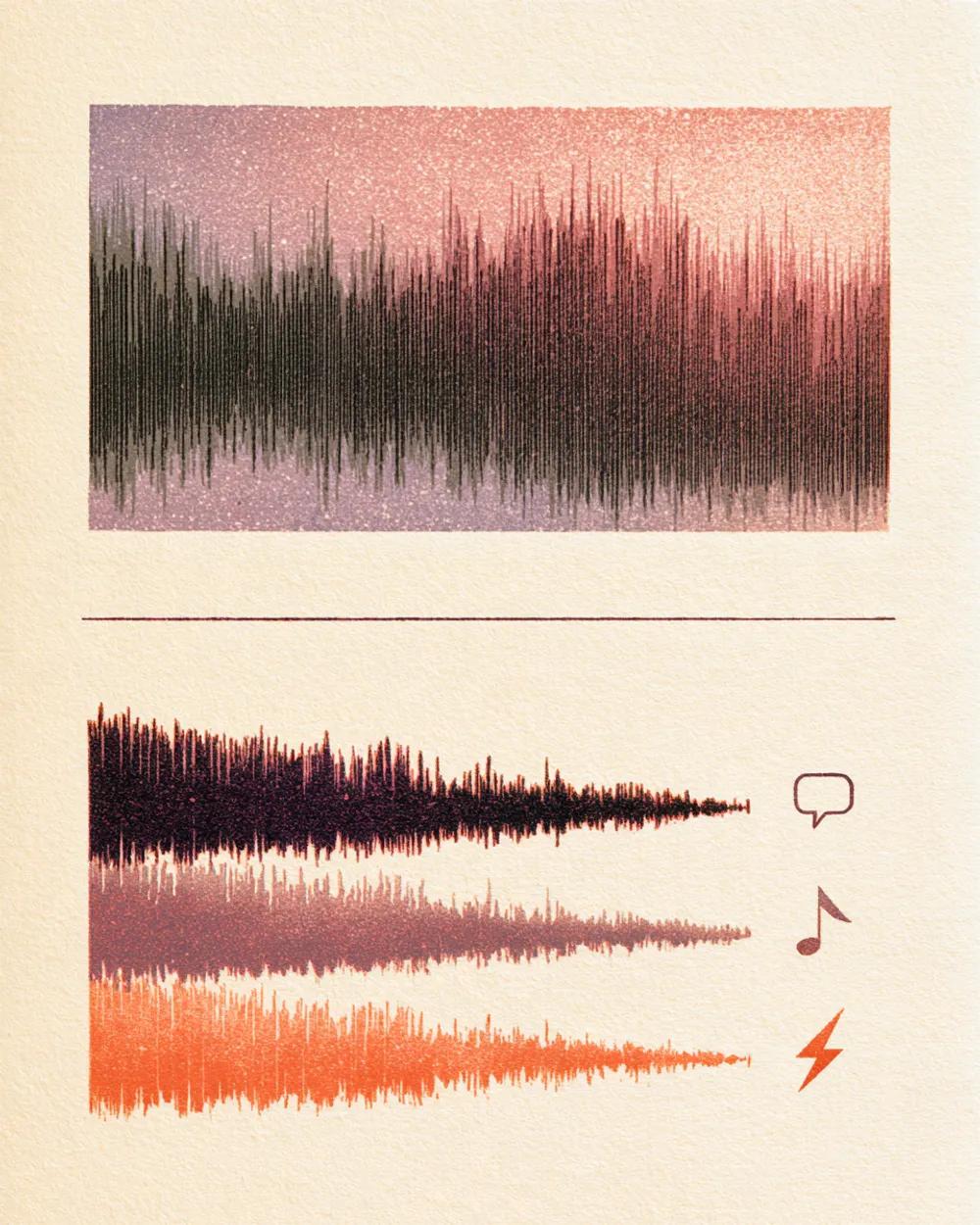
A short scene has voices, a music bed and sound effects playing at the same time. Split it and each layer plays by itself. Keep the music and effects for a dub, or the speech alone for captions.

  • No credit card required
  • 10 free minutes on sign-up

Example: a scene split into speech, music and effects

0:00 / 0:00

Why use the Speech Music SFX Separator

  • The dialogue, clean

    Get just the speech to transcribe, caption or edit without the score and effects behind it.

  • Music and effects without the voices

    Keep the music and the sound effects for a dub or a re-voice. Studios call this a music and effects track.

  • Music on its own

    Pull the score out of a scene to hear how it was written, or to re-use it where you have the rights.

What you get

The details, before you upload.

Free to try
10 free minutes when you sign up with Google. No credit card required.
Upload
Audio (MP3, WAV, FLAC, M4A), local video (MP4, MOV, WebM, MKV—audio extracted in browser), or public YouTube & TikTok links up to 10 minutes.
You get
Three tracks: speech, music and sound effects.
Listen
Play, solo and mute each track in your browser.
Download
MP3, WAV (32-bit float) or FLAC (24-bit).
Install
Nothing to install. It works in any browser, on a computer or a phone.

How to use the Speech Music SFX Separator

It takes three steps.

  1. 01

    Add audio, video or a link

    Drop an audio or video file (MP3, WAV, FLAC, M4A, MP4, MOV, WebM, MKV) or paste a public YouTube or TikTok link on this page.

  2. 02

    Start

    The mode is already chosen for you. You can leave the page while it works.

  3. 03

    Listen and download

    Play each track in your browser, then download the ones you need.

Who uses the Speech Music SFX Separator

Dubbing and localisation teams

Build a music and effects track so new dialogue can be recorded over it.

Video editors

Rebalance voice, music and effects for a cut.

Transcribers and caption writers

Work from a clean dialogue track.

Sound designers and students

Study how a scene's three layers fit together.

Speech Music SFX Separator FAQ

Is the Speech Music SFX Separator free?

Yes. When you sign up with Google, you get 10 free minutes to try the Speech Music SFX Separator on your own files. No credit card is needed. You can listen to every track in your browser.

What are the three tracks?

Speech holds the voices and dialogue. Music holds the score and any songs. Effects holds footsteps, doors, ambience and other sounds.

What is a music and effects track?

It is the music and sound effects without the dialogue. Dubbing studios use it to record new voices over the original scene.

How do I separate dialogue from music?

Upload the clip and start. You get the speech, the music and the effects as three tracks.

Can I use it on a podcast with background music?

Yes. Download the speech track to get the voices without the music.

Which files or links can I use?

Audio files (MP3, WAV, FLAC, M4A), local video files (MP4, MOV, WebM, MKV—audio is extracted locally in your browser), or public YouTube and TikTok video links. Results download as MP3, WAV (32-bit float) or FLAC (24-bit).

Try the Speech Music SFX Separator on your own audio

Drop an audio or video file—or paste a YouTube or TikTok link—and hear each track.

  • No credit card required
  • 10 free minutes on sign-up